
The figure submission checklist every researcher needs
In This Article
A figure submission checklist is the last quiet safeguard between a polished manuscript and a frustrating request for revisions. At the final submission stage, your science is done, your story is set, and your coauthors are ready to move on. Still, a small figure problem can delay review, production, or publication. The goal is not to make your figures prettier at the last minute. The goal is to make them acceptable, traceable, readable, and legally safe.
This guide gives you a practical final pass for technical specs, captions, file names, and rights. Use it before you upload to a journal system, send files to a production editor, or archive your final submission package.
Why figures fail at final submission
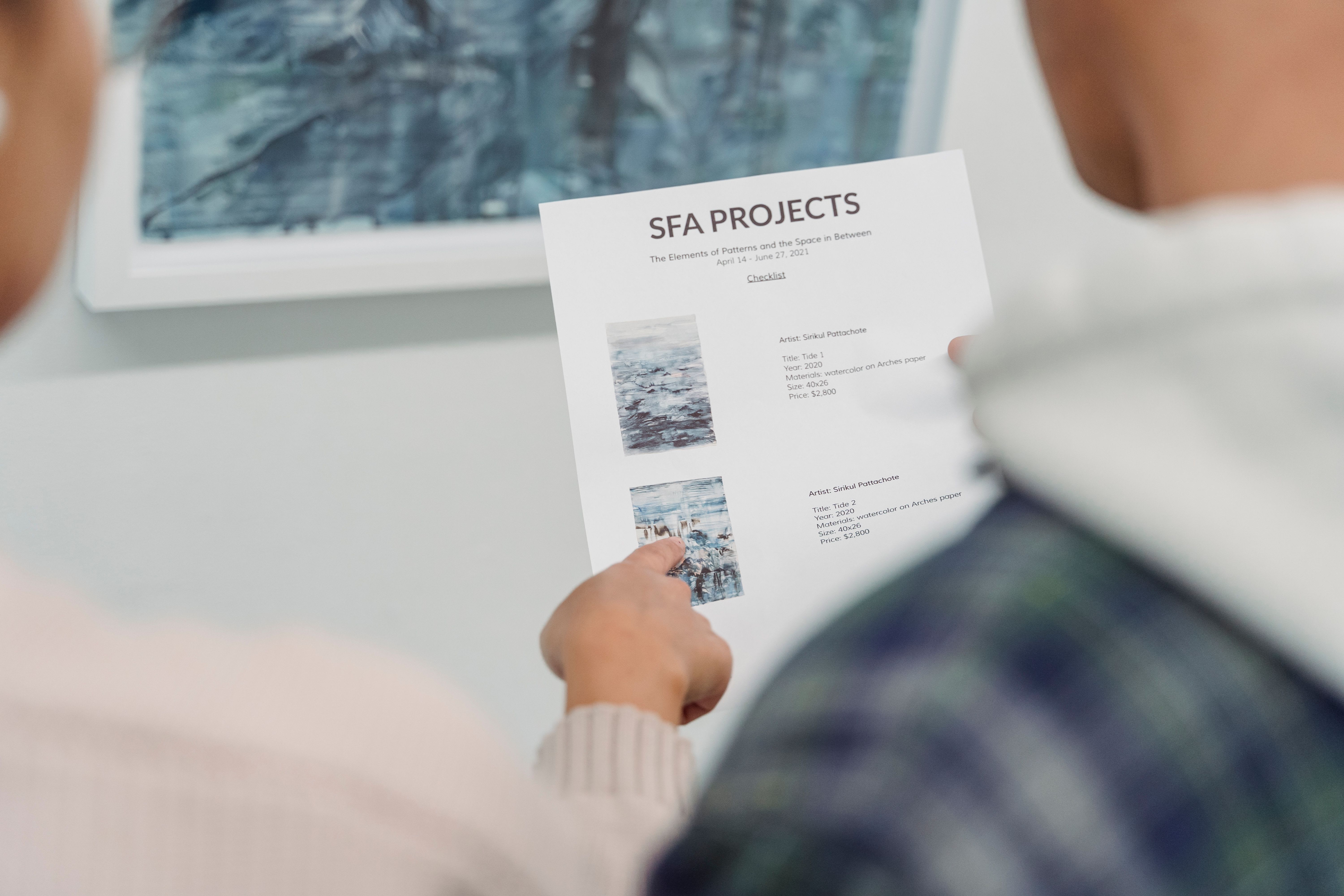
Most rejected figure files do not fail because the science is weak. They fail because the files do not match the journal instructions. Common problems include low resolution, unreadable labels, missing scale bars, inconsistent panel letters, compressed screenshots, and captions that do not explain the figure without the main text.
Another frequent issue is mismatch. The manuscript says Figure 3C, the file is named Fig2_final_REAL.tif, and the uploaded caption refers to treatment groups that were renamed two weeks ago. That kind of inconsistency makes editors nervous, and rightly so.
Final submission also exposes rights problems. You may have adapted a map, reused a schematic, included a third party photograph, or modified a published figure. If permission is not documented before submission, it can become a painful production delay.
A good checklist reduces these risks. It gives you one repeatable process, rather than relying on memory during a rushed upload.
The figure submission checklist for technical specifications
Start with the journal's author instructions, not with the figure file you already have. Every publisher has slightly different requirements. Some want separate TIFF files. Some accept EPS, PDF, SVG, or high quality JPEG. Some specify single column and double column widths. Others ask for editable text in vector artwork.
Your figure submission checklist should capture the exact requirements for the target journal. Do not assume that a file accepted by one journal will pass another journal's upload system.
| Item | What to check | Why it matters |
|---|---|---|
| File format | TIFF, EPS, PDF, SVG, JPEG, or another journal-approved format | Wrong formats may be rejected by the submission portal |
| Resolution | Usually 300 dpi for photos, 600 dpi or more for combination art, and higher for line art | Low resolution creates blurry figures in print and PDF |
| Dimensions | Final size at single column, one and a half column, or full page width | Scaling can make labels unreadable |
| Color mode | RGB or CMYK, depending on journal instructions | Unexpected color shifts can occur during production |
| Fonts | Embedded, outlined, or standard fonts as required | Missing fonts can alter labels and symbols |
| Panels | Consistent letters, spacing, borders, and alignment | Readers need a clear path through multi-panel figures |
Resolution deserves special attention. A figure that looks crisp on your monitor can still be too small for production. Check resolution at the final printed size, not at an inflated canvas size. Enlarging a small raster image does not restore lost information.
For line drawings, graphs, and diagrams, vector formats are often cleaner than raster formats. Vector artwork keeps labels and lines sharp when scaled. For microscopy, gels, photographs, and scans, use high resolution raster files and avoid repeated compression.
If you need to rebuild or resize a figure quickly, you can create with Graffiy and export clean scientific visuals without fighting a general design tool at the finish line.
Readability checks before you upload
Technical compliance is not enough. Your figure also needs to be readable by a tired reviewer, a production editor, and a researcher who downloads the PDF on a laptop. Open each figure at the size it will appear in the article. If you have to zoom in to read axis labels, they are too small.
Look for visual clutter. Remove duplicate legends, unnecessary gridlines, decorative shadows, and labels that repeat information from the caption. Scientific figures should not be plain, but they should be disciplined. Every mark should help the reader understand the result.
Check accessibility as well. Avoid relying only on red and green contrasts. Use direct labels, symbols, line styles, or patterns where possible. If a color palette cannot be understood in grayscale, it may cause problems for readers and for some print workflows.
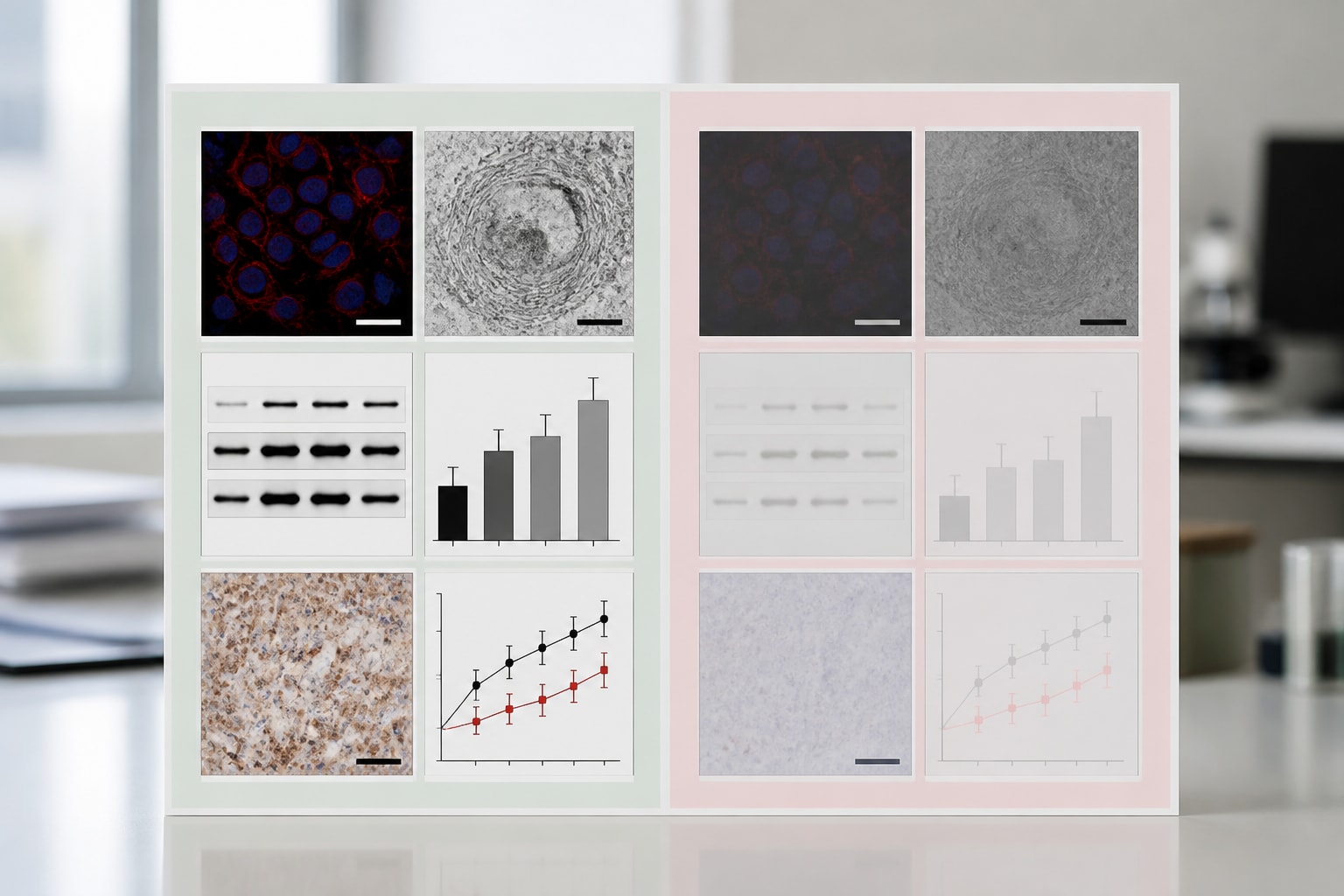
Panel order should match the logic of the manuscript. If the Results section discusses panels A, B, C, and D in that order, the figure should not force readers to hunt across the page. Align panels, keep spacing consistent, and use panel letters in the same position throughout the manuscript.
For images that show biological samples, microscopy, western blots, or clinical material, confirm that any adjustments are applied consistently and ethically. Brightness, contrast, and cropping should not misrepresent the data. For a useful external benchmark, review the Nature Portfolio image integrity policy, even if you are submitting elsewhere.
Captions that stand on their own
Captions are often written late, which is exactly why they cause trouble. A caption is not a decoration below the figure. It is a compact guide to what the reader is seeing, what was measured, and how to interpret symbols, panels, and statistics.
Your figure submission checklist should include a caption review for every figure and supplementary figure. Read the caption without the main text. Can you identify the experimental system, groups, sample size, key methods, abbreviations, statistical tests, and meaning of error bars? If not, revise it.
A strong caption usually starts with a brief descriptive title. Then it explains each panel in order. It defines abbreviations that appear in the figure. It states what error bars represent, such as standard deviation, standard error, confidence interval, or interquartile range. It also identifies statistical tests and significance notation.
Be careful with claims. Captions should not overstate the result. If the figure shows an association, do not write that it proves causation. If the data come from one representative experiment, say so. If the figure pools independent experiments, explain how.
For image based figures, captions should include scale bar values and relevant acquisition details when the journal expects them. For clinical or field images, captions may need anonymization statements or permission notes. For adapted material, include the required credit line exactly as the rights holder specifies.
File names, numbering, and version control
Messy file names create avoidable confusion. Your editor does not need to see your emotional journey through draft names. Names like figure4_revised_FINAL2_use_this_one.tiff are common, but they are not professional submission files.
Use a simple, predictable naming pattern. For example, use manuscriptID_fig01.tif, manuscriptID_fig02.tif, and manuscriptID_suppfig01.pdf. If the journal gives naming rules, follow them exactly. Keep capitalization consistent and avoid spaces, special characters, and punctuation beyond underscores or hyphens.
Make sure file names match manuscript callouts. Figure 1 in the manuscript should correspond to the Figure 1 file and Figure 1 caption. Supplementary figures should follow the same logic. If you renumbered figures during revision, do not trust memory. Search the manuscript for every figure callout.
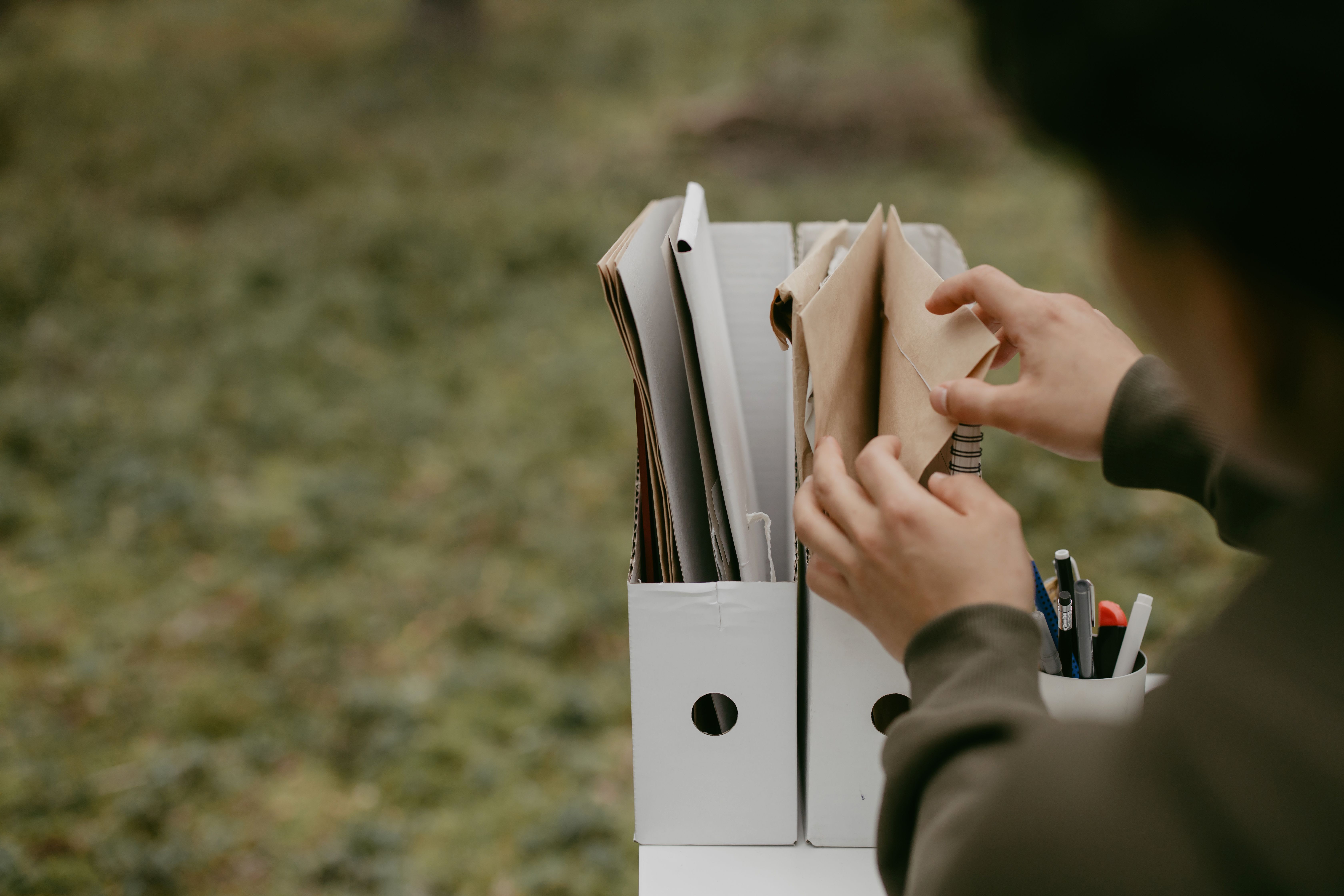
Keep a final submission folder with only the files you plan to upload. Include separate subfolders for source files, exported files, captions, permissions, and journal forms. This reduces the chance that an old draft gets uploaded by accident.
Version control matters most when several coauthors edit figures. Once final figures are approved, freeze them. If someone requests a change, document it and update the file name or version note in a controlled way. Silent edits are how caption mismatches and panel errors sneak in.
Rights, permissions, and ethical reuse
Rights checks are easy to postpone and hard to fix later. Before submission, identify every figure element you did not create from scratch. This includes maps, icons, stock images, photographs, screenshots, adapted diagrams, published panels, and proprietary software outputs.
Then ask three questions. Who owns it? What license applies? Does the journal require written permission or a specific credit line? Open access licenses can be generous, but they still have conditions. Some require attribution. Some require sharing adaptations under the same license. Some restrict commercial reuse.
If you adapted a figure from a published paper, do not assume that citation is enough. Adaptation can still require permission, depending on the license and publisher policy. If you reused a figure without changes, permission requirements may be stricter.
Patient images, identifiable people, and sensitive field locations need extra care. Confirm consent, anonymization, and journal policy before upload. When in doubt, ask the editorial office before submission rather than after acceptance.
Create a small rights log for your records. Include the figure number, reused element, original source, license, permission status, required credit line, and date checked. This is not busywork. It protects you if production asks for proof months later.
Final quality control before journal upload
The final pass should be slow and boring. That is a compliment. Open every file from the submission folder, not from your working folder. Check that it opens correctly, displays at expected quality, and contains the final approved content.
Compare figures against the manuscript one by one. Check callouts, order, panel letters, captions, supplementary labels, and in-text descriptions. Confirm that all figures mentioned in the manuscript are uploaded, and that no unused figures remain in the package.
Next, check consistency across the set. Axis styles, fonts, colors, abbreviations, units, and statistical notation should feel like one paper, not five separate projects. Small inconsistencies make readers work harder and can make the submission look less careful than the science deserves.
Finally, export a PDF proof if the submission system allows it. Review the generated PDF, not only your local files. Upload systems sometimes compress images, change order, or flatten artwork unexpectedly. If the proof looks wrong, fix it before clicking submit.
The best time to find a figure problem is before the reviewer, editor, or production team finds it for you.
A practical figure submission checklist you can copy
Use this figure submission checklist as your final gate. Adapt it to your target journal and save it with your manuscript materials. The value comes from using the same process every time.
Technical files
- Each figure uses a journal-approved file format.
- Resolution meets requirements at final publication size.
- Figure dimensions match single column, double column, or journal limits.
- Fonts are embedded, outlined, or standard according to instructions.
- Color mode follows journal requirements.
- Line weights, symbols, and labels remain readable after scaling.
- No figure relies only on color to communicate meaning.
Figure content
- Panel letters are consistent and match the caption.
- Axes include units where needed.
- Scale bars are present and labeled for relevant images.
- Error bars, sample sizes, and statistical symbols are explained.
- Image adjustments are ethical, consistent, and documented.
- No accidental crop, hidden layer, or outdated panel remains.
Captions and manuscript matching
- Every figure has a complete caption.
- Captions define abbreviations, symbols, colors, and statistical notation.
- Manuscript callouts match figure numbers and panel letters.
- Supplementary figure numbering is consistent.
- Claims in captions match the data and the Results text.
File names and organization
- File names follow journal rules or a clean internal pattern.
- Final exported files are separated from drafts and source files.
- No spaces or confusing special characters appear in file names.
- All files open correctly from the final submission folder.
- The uploaded proof has been reviewed after submission system processing.
Rights and permissions
- All third party materials are identified.
- Licenses and permissions are documented.
- Required credit lines appear in captions or acknowledgments.
- Patient consent, privacy, and anonymization issues are resolved.
- A rights log is stored with the submission package.
What to do when something fails the checklist
If one item fails, do not patch blindly. First, decide whether the issue is technical, scientific, or legal. A low resolution export is usually easy to fix from the source file. A missing permission may take days. A mislabeled panel may require coauthor review, because it affects the scientific record.
Prioritize problems that affect data interpretation. Wrong labels, mismatched panels, missing units, and unclear statistics should stop submission until fixed. Technical export issues are also important, but they are usually more mechanical. Rights issues deserve early attention because they often depend on outside responses.
If you are under a deadline, make a short issue list and assign owners. One person checks captions. One person verifies permissions. One person exports files. One person reviews the final PDF proof. Shared responsibility is useful, but final accountability should belong to a single corresponding author or submission lead.
A figure submission checklist will not make weak data strong. It will make strong work easier to review, produce, and trust. That is enough reason to use it every time you submit.
Frequently Asked Questions
What is a figure submission checklist?
A figure submission checklist is a final review tool for journal-ready figures. It helps you confirm technical specifications, captions, file names, manuscript matching, and rights before upload.
When should I use the figure submission checklist?
Use it after the manuscript and figures are scientifically approved, but before you upload files to the journal system. It is also useful before resubmission, because figure numbers, captions, and permissions can change during revision.
Do I need permission for an adapted figure if I cite the source?
Sometimes, yes. Citation gives credit, but it does not automatically grant reuse or adaptation rights. Check the original license, publisher policy, and journal requirements, then keep written permission or license evidence with your submission files.
Written by
Shobajo AbdulAzeez
Tags
Share this article