
Vector vs Raster Scientific Figures: Complete Guide for Researchers
In This Article
Understanding Vector vs Raster Scientific Figures
When you're preparing scientific figures for publication, the choice between vector and raster formats can make or break your submission. Vector vs raster scientific figures represent two fundamentally different approaches to storing and displaying visual information, each with distinct advantages for research applications.
Vector graphics use mathematical equations to define shapes, lines, and curves. This means they can scale to any size without losing quality. Raster graphics, on the other hand, store information as a grid of individual pixels, making them resolution-dependent but excellent for complex photographic content.
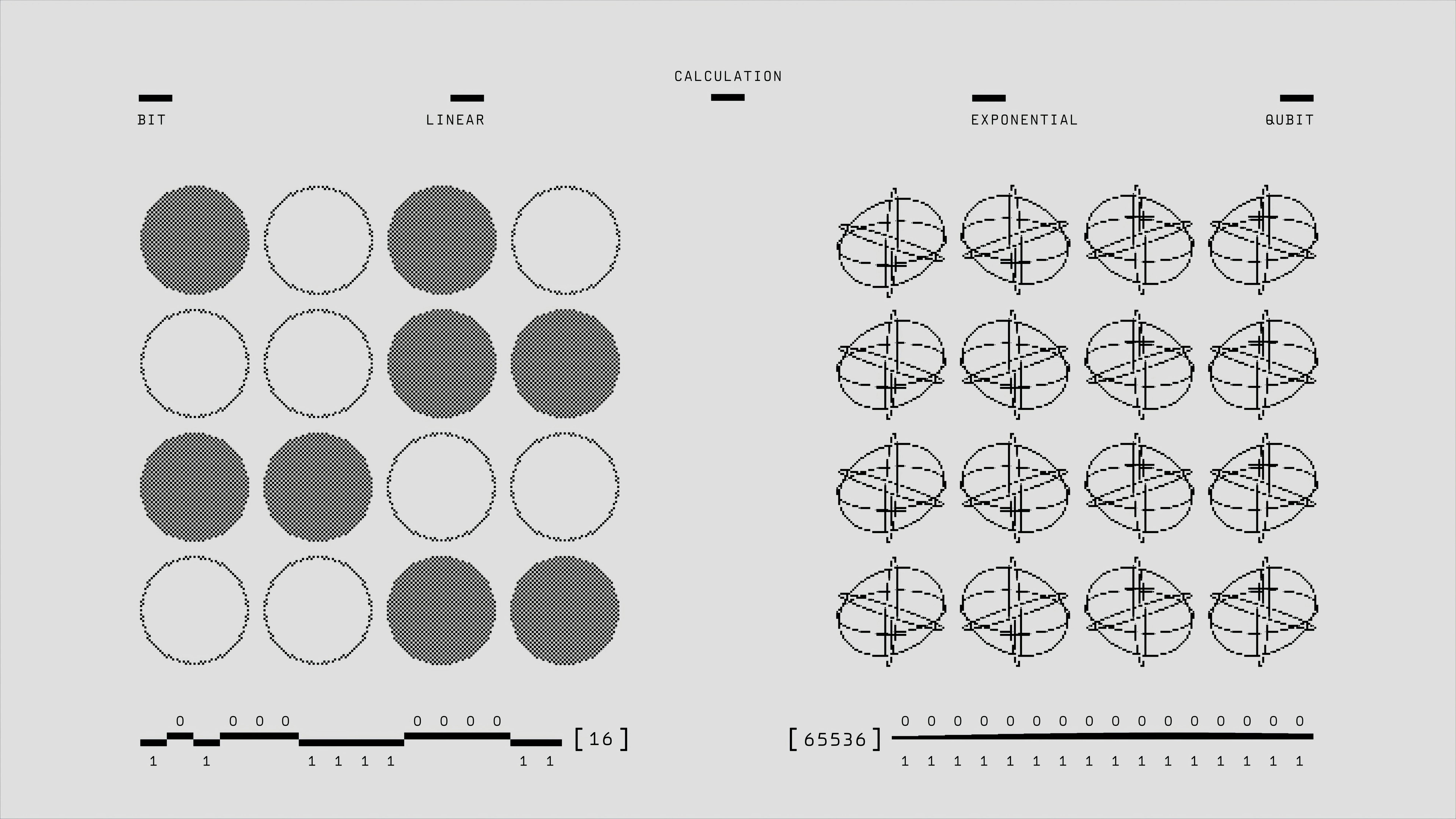
The format you choose affects more than just visual quality. Journal editors, reviewers, and readers will judge your work partly based on figure clarity and professionalism. Poor format choices can lead to rejection, revision requests, or worse, misinterpretation of your data.
Most researchers understand the basics but struggle with practical decisions. When should you export that complex molecular structure as an SVG versus a high-resolution TIFF? How do you balance file size constraints with quality requirements? We'll answer these questions and more.
Vector Graphics: The Mathematical Precision Format
Vector graphics excel in scientific contexts because they preserve mathematical precision at any scale. Your carefully plotted data points, chemical structures, and diagrams remain crisp whether viewed on a smartphone screen or printed on a poster-sized format.
The most common vector formats for scientific work include SVG (Scalable Vector Graphics), PDF (Portable Document Format), and EPS (Encapsulated PostScript). SVG files work exceptionally well for web-based publications and supplementary materials, while PDF remains the gold standard for print journals.
Consider vector formats when your figure contains primarily line art, text, simple shapes, or data plots. Bar charts, line graphs, scatter plots, molecular diagrams, and flowcharts all benefit from vector treatment. The mathematical nature of these graphics aligns perfectly with vector capabilities.
Vector files typically produce smaller file sizes for simple graphics compared to equivalent high-resolution raster images. A complex chemical pathway diagram might occupy several megabytes as a raster image but compress to just a few hundred kilobytes in vector format.
However, vectors struggle with photographic content or highly complex artistic renderings. Every individual element must be defined mathematically, making them impractical for microscopy images, photographs, or artistic illustrations with thousands of color variations.
Raster Graphics: The Pixel-Perfect Reality
Raster graphics shine when dealing with complex visual information that cannot be easily expressed through mathematical equations. Microscopy images, photographs, heat maps with continuous color gradients, and artistic renderings all require the pixel-based approach of raster formats.
Common scientific raster formats include TIFF (Tagged Image File Format), PNG (Portable Network Graphics), and JPEG (Joint Photographic Experts Group). TIFF offers the highest quality with lossless compression options, making it ideal for archival purposes. PNG provides excellent quality with smaller file sizes, while JPEG should be avoided for scientific work due to its lossy compression.

Resolution becomes critical with raster graphics. Journal requirements typically specify 300 DPI (dots per inch) for print publications and 72-96 DPI for online content. Understanding these requirements prevents the common mistake of submitting low-resolution images that appear pixelated in print.
File sizes grow dramatically with raster graphics as resolution increases. A single high-quality microscopy image can easily exceed 50 MB when saved at publication resolution. This creates storage and transmission challenges that require careful management.
Color depth also matters significantly in raster formats. Scientific images often require higher bit depths than standard consumer graphics to accurately represent subtle differences in experimental data. Fluorescence microscopy, for example, benefits from 16-bit or even 32-bit color depth to capture the full dynamic range of signal intensities.
Format-Specific Guidelines for Scientific Publishing
SVG format works excellently for interactive figures and web-based supplementary materials. Modern browsers handle SVG files natively, allowing readers to zoom and interact with your diagrams. However, some journal submission systems still struggle with SVG files, requiring PDF alternatives.
PDF remains the most universally accepted vector format for scientific publishing. It preserves fonts, maintains vector quality, and displays consistently across different platforms and devices. Most journals accept PDF figures without question, making it the safest choice for vector content.
When creating PDFs, embed all fonts and ensure color profiles match journal specifications. RGB color mode works for online publications, while CMYK may be required for print journals. Check specific journal guidelines, as requirements vary significantly between publishers.
TIFF format serves as the gold standard for high-quality raster images in scientific publishing. It supports lossless compression, multiple color depths, and maintains perfect image fidelity. Use TIFF for microscopy images, photographs, and any raster content where quality cannot be compromised.
PNG offers a good balance between quality and file size for raster graphics. It supports transparency, making it excellent for figures with multiple overlays or transparent backgrounds. However, PNG files can become quite large for high-resolution images with many colors.

Avoid JPEG format for scientific figures entirely. Its lossy compression introduces artifacts that can be mistaken for experimental features, potentially invalidating your results. The compression also makes text difficult to read and can alter color values in quantitative analyses.
Making the Right Choice for Your Research
The decision between vector vs raster scientific figures should be based on your content type, intended use, and journal requirements. Start by analyzing what your figure contains: is it primarily line art and text, or does it include photographic elements?
For data visualization like graphs, charts, and plots, vector formats almost always provide the best results. They ensure your axis labels remain readable, your data points stay crisp, and your figure scales perfectly for different viewing contexts. You can create with Graffiy to generate publication-ready vector graphics that meet journal standards.
Microscopy images, photographs, and complex artistic renderings require raster treatment. The pixel-based nature of these images cannot be effectively converted to vector format without significant quality loss or impractical file sizes.
Combination figures present unique challenges. When your figure includes both vector elements (like scale bars, annotations, or graphs) and raster content (like photographs), you have several options. Some researchers create the entire figure as a high-resolution raster image, while others use vector formats with embedded raster elements.
Consider your target audience and publication format. Online-only journals may have different requirements than print publications. Supplementary materials often allow larger file sizes and more exotic formats than main text figures.
File size constraints also influence format choice. Some journals impose strict limits on figure file sizes, forcing you to balance quality against technical requirements. Vector formats often help circumvent these limitations for appropriate content types.
Technical Best Practices and Common Pitfalls
Resolution planning prevents many common problems with raster images. Calculate your required pixel dimensions before creating or exporting images. For a 6-inch wide figure at 300 DPI, you need 1800 pixels of width. Creating images at insufficient resolution cannot be corrected later without quality loss.
Color management becomes crucial for accurate scientific representation. Use consistent color profiles throughout your workflow, and be aware that colors may appear differently in print versus on screen. Many journals provide specific color profile recommendations for optimal results.
Font embedding prevents text rendering problems in vector formats. When fonts are not embedded, receiving systems may substitute different fonts, changing the appearance and spacing of your text. This can make figures look unprofessional or even alter their meaning.
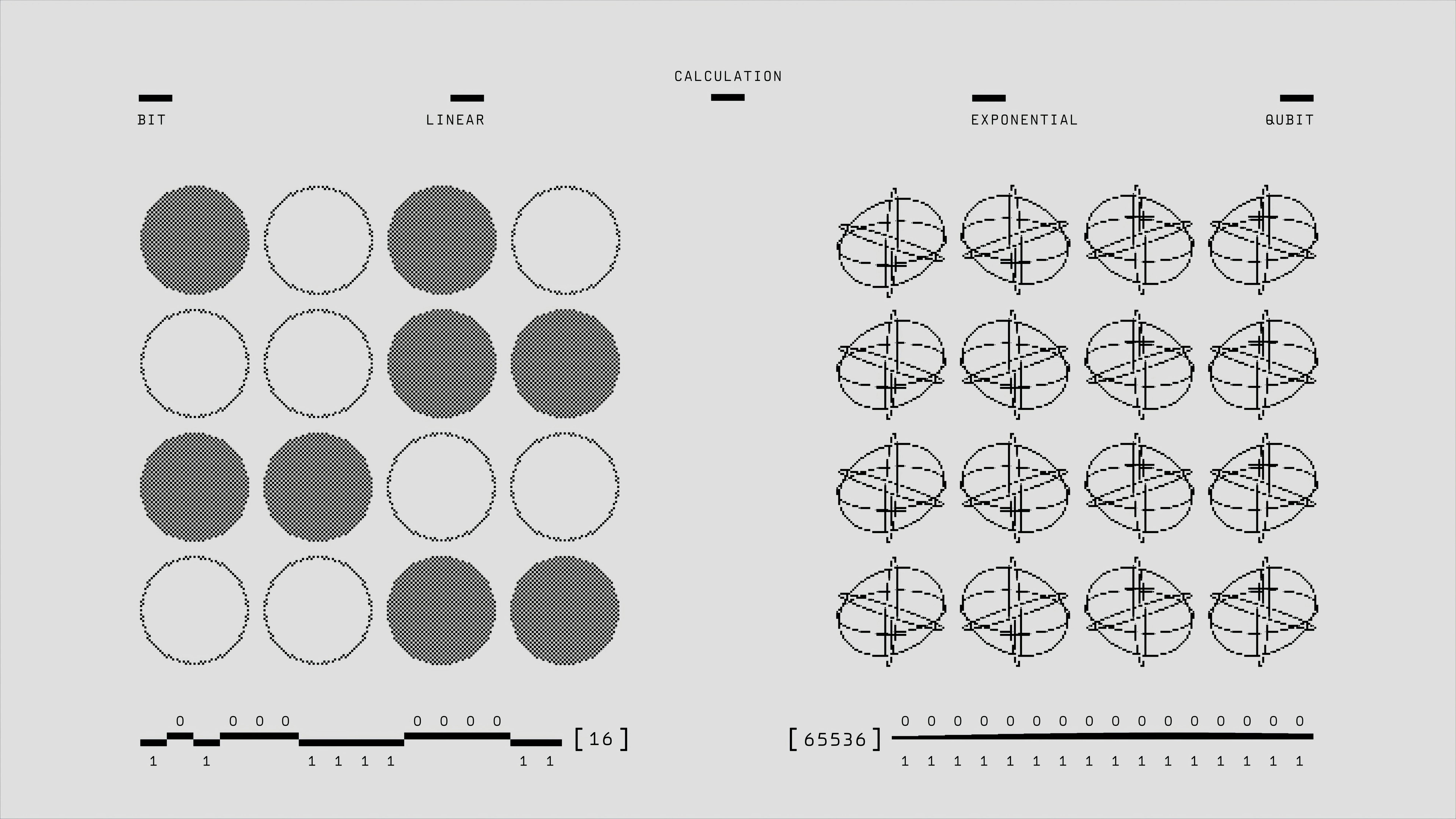
Layer management in complex figures helps maintain editability and quality. Keep text, graphics, and image elements on separate layers when possible. This allows for easier revision and format conversion if journal requirements change.
Compression settings require careful attention for raster images. Lossless compression maintains perfect quality but creates larger files. Lossy compression reduces file size but can introduce artifacts. For scientific work, err on the side of quality unless file size restrictions force compromise.
Version control becomes important when working with multiple formats. Maintain high-quality master files and create distribution versions as needed. This prevents the quality degradation that occurs when repeatedly editing and saving compressed files.
Testing your figures in the intended viewing context helps catch problems before submission. Print test copies, view files on different devices, and check how figures appear at various zoom levels. What looks perfect on your high-resolution monitor may be illegible on a standard laptop screen.
Advanced Considerations for Professional Results
Hybrid approaches can optimize both quality and practicality. Some graphics software allows you to create primarily vector figures with embedded raster elements where needed. This gives you the scalability benefits of vectors while maintaining photographic quality for appropriate content.
Metadata preservation becomes important for scientific integrity. TIFF files can store extensive metadata about image acquisition parameters, while vector formats can embed information about creation software and techniques. This documentation helps with reproducibility and quality verification.
Accessibility considerations should influence format choices for modern scientific publishing. Vector formats typically work better with screen readers and assistive technologies, making your research more accessible to readers with disabilities. WCAG accessibility guidelines provide specific recommendations for scientific figure accessibility.
Future-proofing your figures involves choosing formats with long-term viability. Established standards like PDF, TIFF, and SVG have better long-term support prospects than proprietary or emerging formats. Consider how your figures will be accessed and used years or decades from now.
Quality assessment tools can help verify your figures meet professional standards. Many graphics applications include analysis tools that check resolution, color depth, and format compliance. Some journals also provide automated checking systems that identify common figure problems before peer review.
Batch processing capabilities become valuable when preparing multiple figures with consistent requirements. Learning to automate format conversions and quality adjustments saves time and ensures consistency across all figures in a publication.
The choice between vector vs raster scientific figures ultimately depends on content, context, and requirements. Understanding the strengths and limitations of each approach allows you to make informed decisions that enhance your research presentation and meet professional publishing standards.
Frequently Asked Questions
When should I choose vector vs raster scientific figures for journal submission?
Choose vector formats (SVG, PDF) for line art, graphs, charts, and diagrams that need to scale without quality loss. Use raster formats (TIFF, PNG) for photographs, microscopy images, and complex artistic content with thousands of colors. Consider your journal's specific requirements and file size limitations.
What resolution should I use for raster scientific figures?
Use 300 DPI for print publications and 150-300 DPI for online journals, depending on their specifications. Calculate pixel dimensions by multiplying your figure width in inches by the required DPI. For example, a 6-inch wide figure at 300 DPI needs 1800 pixels of width.
Can I convert between vector and raster formats without losing quality?
You can convert vector to raster at any resolution without quality loss, but converting raster to vector requires specialized software and often results in quality degradation. Always maintain high-quality master files in the original format. Plan your format choice before creating figures rather than converting later.
Written by
Shobajo AbdulAzeez
Tags
Share this article