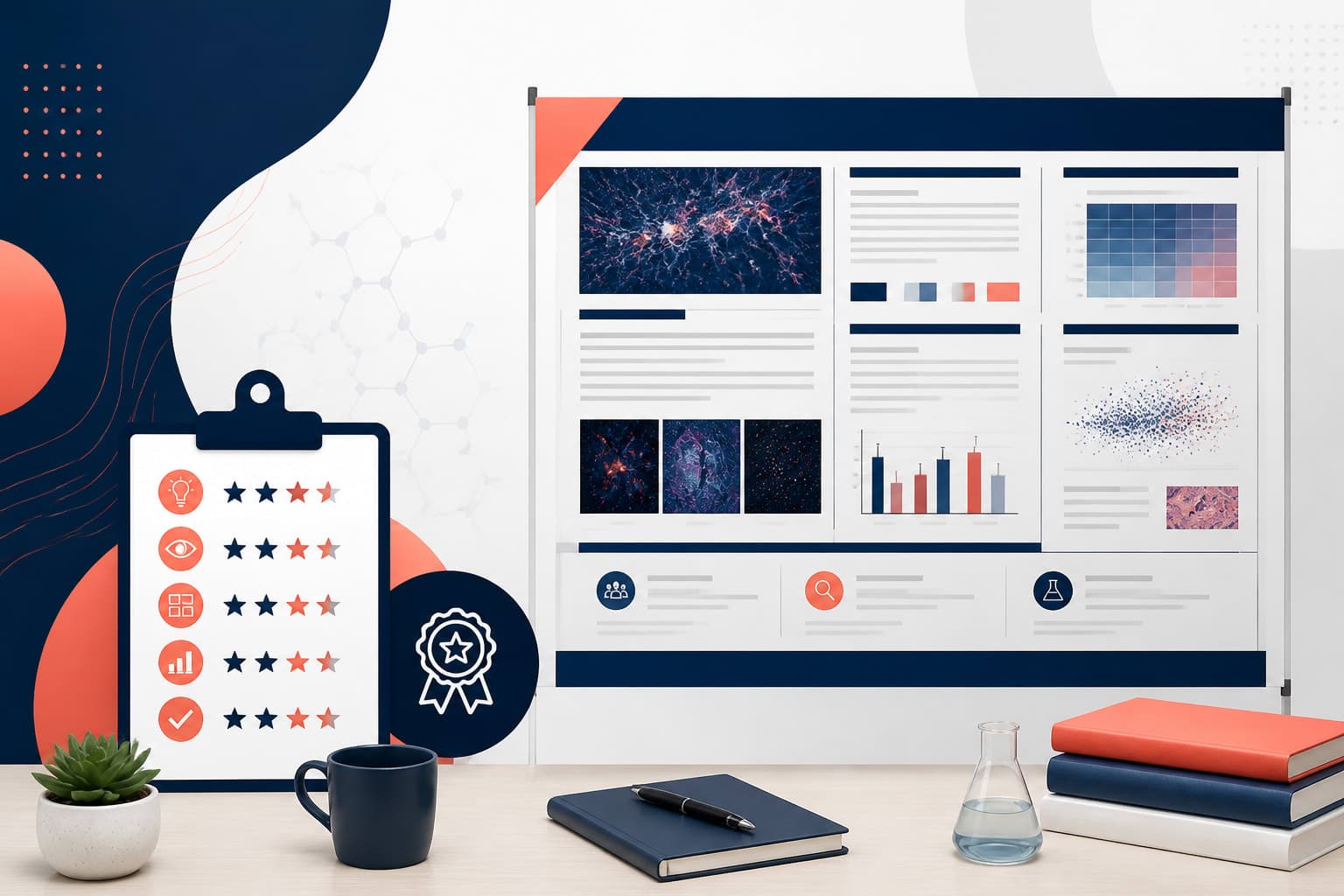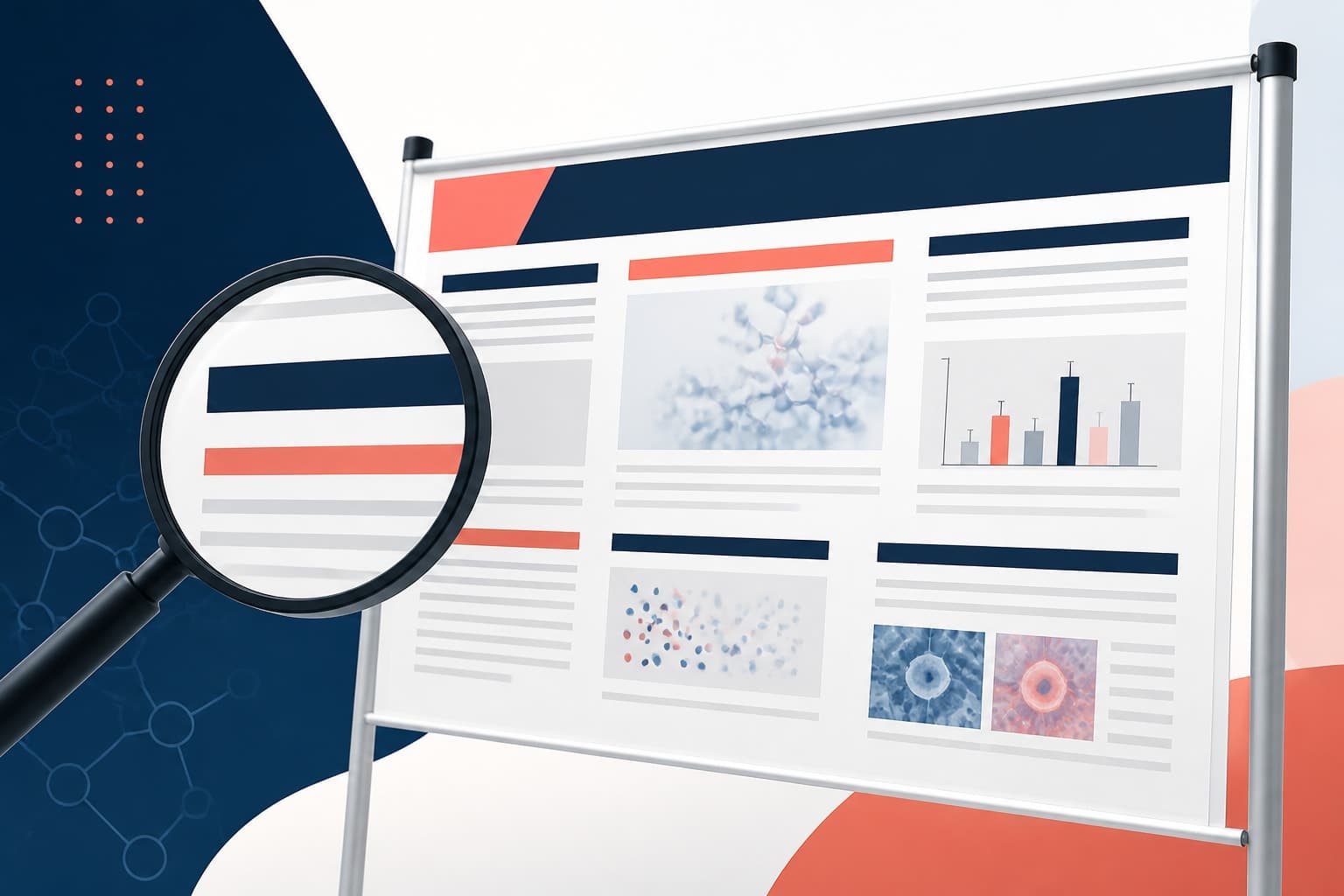
How to Design Digital Scientific Poster for Virtual Conferences
In This Article
Virtual conferences have transformed how researchers share their work, making the digital scientific poster an essential tool for academic communication. Unlike traditional printed posters, digital versions require entirely different design considerations to engage audiences through screens rather than in-person viewing.
The transition from physical conference halls to virtual platforms presents unique opportunities and challenges. You need to rethink everything from text size to interactive elements, ensuring your research remains accessible and impactful in the digital space.

Understanding Digital Scientific Poster Requirements
Virtual conferences operate differently than traditional academic gatherings. Attendees view posters on various devices, from laptops to tablets, creating the need for responsive design thinking. Your poster must work equally well on a 13-inch laptop screen and a 27-inch desktop monitor.
Screen resolution plays a crucial role in how your content appears. Most displays range from 72 to 300 DPI, significantly different from print requirements. This means you can use smaller file sizes while maintaining visual quality, but you must ensure text remains readable at various zoom levels.
Viewing distance also changes dramatically in virtual settings. Instead of standing three feet from a poster board, viewers sit 18 to 24 inches from their screens. This proximity allows for more detailed information but requires careful attention to visual hierarchy and readability.
Platform-specific requirements vary widely across virtual conference systems. Some platforms support interactive elements like embedded videos or clickable links, while others only display static images. Research your specific platform early in the design process to maximize available features.
Optimizing Layout for Screen Viewing
Screen-optimized layouts differ fundamentally from print designs. Traditional poster layouts often use landscape orientation to mimic physical poster boards, but digital formats benefit from portrait or square orientations that work better with scrolling interfaces.
Consider using a modular grid system that breaks your content into distinct sections. This approach helps viewers process information in digestible chunks, especially important when they can zoom into specific areas of your poster. Each module should contain related information and maintain visual cohesion.
Typography becomes even more critical in digital formats. Sans-serif fonts typically render better on screens than serif alternatives. Use font sizes of at least 24 points for body text and 36 points or larger for headings to ensure readability across different devices and screen resolutions.
White space serves as a crucial design element in digital posters. It provides visual breathing room and helps reduce cognitive load when viewers examine your work on illuminated screens. Generous margins and spacing between sections improve overall readability and professional appearance.

Implementing Interactive Elements
Interactive features distinguish digital posters from their printed counterparts, offering opportunities to enhance engagement and provide additional depth to your research presentation. These elements must be intuitive and add genuine value rather than serving as mere novelties.
Clickable sections can reveal additional details, methodology explanations, or supplementary data without cluttering the main visual space. Consider implementing expandable sections for complex figures or detailed statistical analyses that viewers can access on demand.
Embedded multimedia elements like short video explanations or audio narrations can provide context that static images cannot convey. Keep these elements brief and focused, typically under two minutes, to maintain viewer attention and accommodate varying internet connection speeds.
Hyperlinks to related publications, datasets, or supplementary materials add significant value to digital presentations. These connections allow interested viewers to explore your work more deeply and access supporting documentation immediately during or after the conference session.
Navigation aids become essential for larger, more complex digital posters. Include a table of contents, section markers, or progress indicators that help viewers understand the poster's structure and navigate efficiently to areas of interest.
Designing for Multiple Zoom Levels
Virtual conference platforms typically allow viewers to zoom into poster sections for detailed examination. Your design must maintain readability and visual appeal at various magnification levels, from full-poster overview to close-up section viewing.
Create a clear visual hierarchy that works at different zoom levels. Use contrasting colors, varying font weights, and strategic positioning to ensure important information remains prominent whether viewed at 25% or 200% magnification.
Design scalable graphics and charts that maintain clarity when enlarged. Vector-based illustrations work better than raster images for this purpose, as they can scale without losing quality. Ensure that all text within graphics remains legible at high magnification levels.
Test your poster at various zoom levels during the design process. What appears perfectly readable at full size might become illegible when viewers zoom in to examine specific sections. This testing phase helps identify potential readability issues before the conference presentation.
Consider creating multiple resolution versions of complex graphics or detailed diagrams. This approach ensures optimal viewing quality regardless of how closely viewers examine specific poster elements during virtual sessions.

Platform-Specific Design Considerations
Different virtual conference platforms have unique technical requirements and limitations that directly impact your poster design approach. Understanding these specifications early in the design process prevents last-minute revisions and ensures optimal presentation quality.
File format requirements vary significantly across platforms. Some systems accept only PDF files, while others support interactive formats like HTML or support embedded multimedia content. Check platform specifications to determine the best format for your needs and design accordingly.
Upload size limitations affect design decisions, particularly regarding image resolution and multimedia inclusion. Large files may not upload successfully or might load slowly for viewers with limited internet bandwidth. Balance visual quality with practical file size considerations.
Interactive capability varies dramatically between platforms. Research published in Nature highlights how different virtual platforms support varying levels of interactivity, from basic PDF viewing to full multimedia integration.
Display aspect ratios and maximum dimensions differ across systems. Some platforms optimize for standard screen ratios like 16:9, while others accommodate custom dimensions. Design within platform parameters to ensure your poster displays correctly without unwanted cropping or distortion.
Accessibility features supported by the platform should influence your design choices. Caption support for multimedia, screen reader compatibility, and color contrast requirements ensure your research reaches the broadest possible audience during virtual presentations.
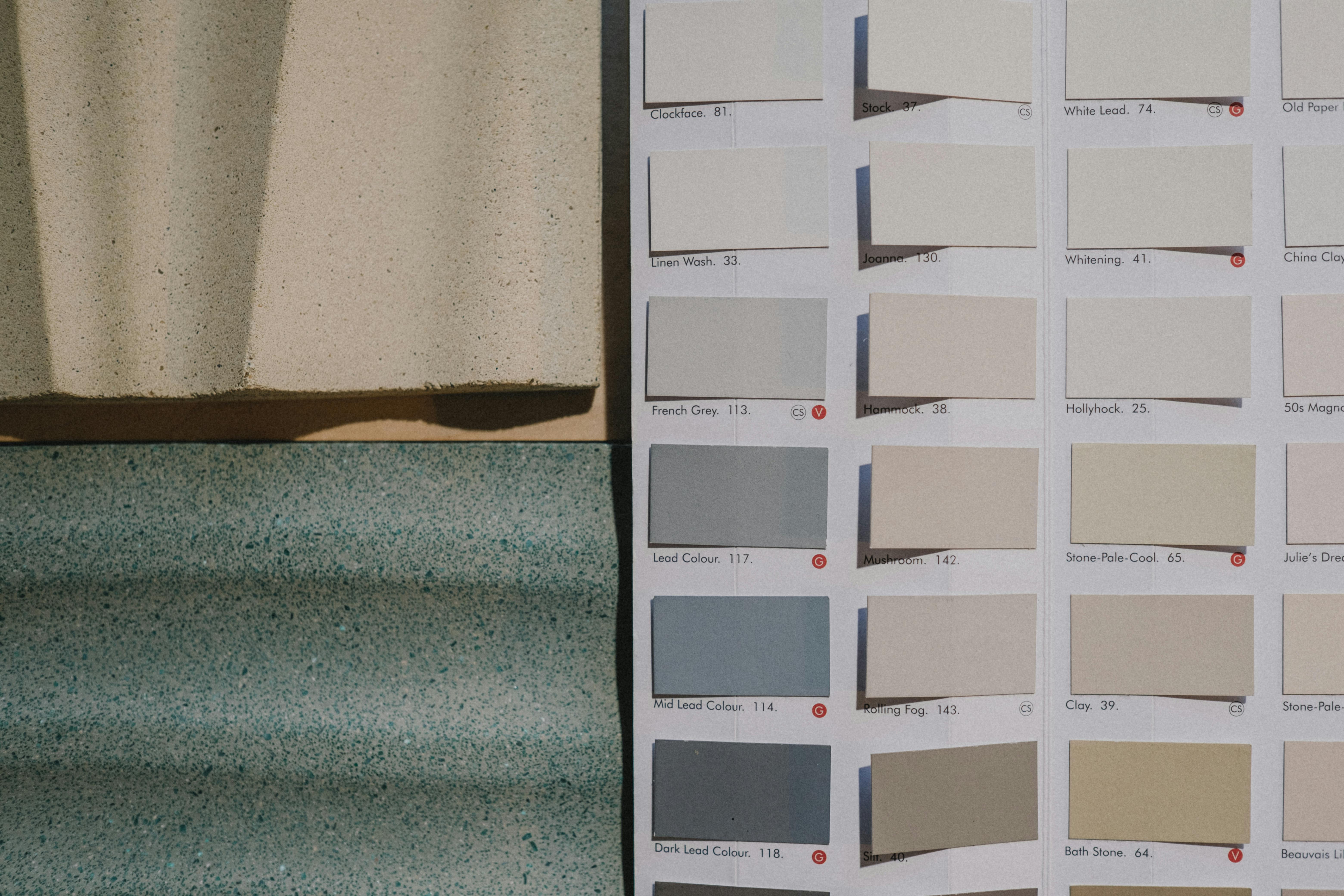
Creating Effective Color Schemes for Digital Display
Digital displays present colors differently than printed materials, requiring adjusted color strategies for virtual conference presentations. Screen backlighting affects color perception and can cause eye strain if not carefully managed in your poster design.
Use high contrast color combinations to ensure readability across different screen types and lighting conditions. Dark text on light backgrounds typically works better for extended viewing than reversed combinations, reducing viewer eye strain during longer conference sessions.
Consider color accessibility for viewers with visual impairments. Tools like WebAIM's contrast checker help ensure your color choices meet accessibility standards. This consideration expands your potential audience and demonstrates inclusive design practices.
Limit your color palette to three or four main colors plus neutrals. Too many colors can appear overwhelming on illuminated screens and may not display consistently across different devices and screen calibrations.
Test your color choices on multiple devices if possible. Colors that appear vibrant on your design monitor might look washed out or oversaturated on attendees' laptops or tablets. This testing helps ensure consistent visual impact across viewing platforms.
Tools and Software for Digital Poster Creation
Selecting appropriate design software significantly impacts your ability to create effective digital scientific posters. Different tools offer varying capabilities for interactive elements, export formats, and collaborative features that support virtual conference requirements.
Traditional design software like Adobe Illustrator or InDesign provides excellent layout control and high-quality output but may lack built-in interactive features. These programs work well for static digital posters with professional typography and precise graphic control.
Specialized scientific poster tools often include templates optimized for academic content and may offer features specifically designed for research presentation. These platforms typically provide easier workflows for researchers without extensive design experience.
Web-based design platforms offer collaborative features and cloud storage that facilitate team-based poster development. They often include interactive elements and can export formats suitable for various virtual conference platforms. You can create with Graffiy to access AI-powered design tools specifically optimized for scientific content and virtual presentation formats.
Consider software that supports version control and real-time collaboration if you're working with co-authors or advisors. These features streamline the review process and help manage feedback integration during poster development.
Export capabilities should match your target platform requirements. Ensure your chosen software can produce the file formats, resolutions, and interactive features supported by your specific virtual conference system.
Testing and Optimization Strategies
Thorough testing ensures your digital scientific poster performs effectively across different devices and platform conditions. This validation process helps identify potential issues before your virtual conference presentation.
Test viewing experience on multiple device types, including laptops, tablets, and desktop computers with various screen sizes. Pay particular attention to how interactive elements function across different operating systems and browsers if your platform supports web-based viewing.
Simulate conference viewing conditions by testing your poster in different lighting environments and at typical viewing distances. Room lighting can significantly affect screen visibility and color perception during virtual conference sessions.
Verify loading times and file performance, especially for posters with multimedia elements. Slow-loading content can lose viewer attention quickly in virtual environments where distractions are numerous and attention spans may be shorter.
Gather feedback from colleagues or advisors who can review your poster on their devices. External perspectives often identify readability issues or navigation problems that you might miss during the design process.
Document any platform-specific adjustments needed for optimal display. This information proves valuable for future virtual conference presentations and helps establish best practices for your research group or institution.
Best Practices for Virtual Presentation Success
Beyond design considerations, successful virtual poster sessions require strategic presentation approaches that account for the unique dynamics of digital conference environments. These practices help maximize engagement and research impact.
Prepare brief, focused explanations of key findings that work well in virtual chat or video call formats. Virtual poster sessions often involve shorter, more frequent interactions than traditional conference networking.
Include clear contact information and links to additional resources directly on your poster. Virtual attendees may want to continue conversations asynchronously or access supporting materials after the conference session ends.
Consider creating complementary materials like brief video summaries or one-page handouts that attendees can easily download and reference. These resources extend your poster's impact beyond the conference timeframe.
Practice navigating your poster's interactive elements smoothly if you'll be presenting live. Technical difficulties during virtual sessions can disrupt the flow of scientific discussion and reduce presentation effectiveness.
Plan for technical contingencies by preparing static backup versions of your poster. Internet connectivity issues or platform problems can occur, and having alternatives ensures your research presentation proceeds successfully regardless of technical challenges.
Frequently Asked Questions
What file format works best for digital scientific poster presentations?
PDF format typically offers the best compatibility across virtual conference platforms while maintaining visual quality. However, check your specific platform's requirements as some support interactive formats like HTML or multimedia-embedded files.
How should I adjust text size for digital scientific poster viewing?
Use minimum 24-point font for body text and 36-point or larger for headings to ensure readability across different screen sizes. Remember that viewers will be much closer to their screens than they would be to a printed poster.
Can I include interactive elements in my virtual conference poster?
Many platforms support interactive features like clickable links, expandable sections, or embedded videos. Check your conference platform's capabilities early in the design process to determine which interactive elements you can incorporate effectively.
Written by
Shobajo AbdulAzeez
Tags
Share this article