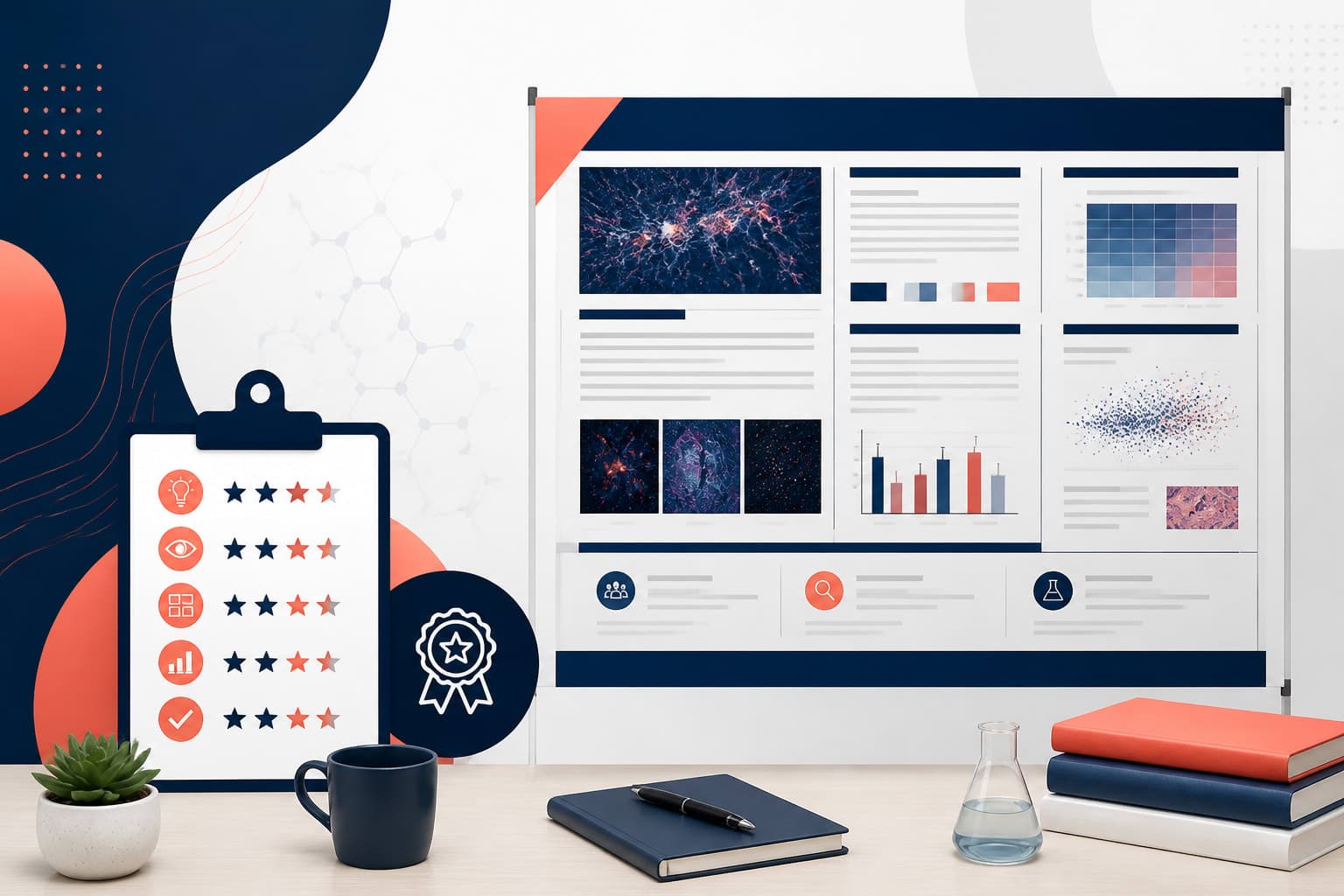
scientific poster design rubric for Graduate Students
In This Article
A scientific poster design rubric gives you a practical way to judge your poster before your advisor, committee, or conference audience does. For graduate students and first-time presenters, that matters. A poster is not a paper pasted onto a board. It is a visual argument that has to work from six feet away, then reward closer reading. This guide gives you a clear scoring system for layout, hierarchy, data figures, readability, and presentation readiness, with enough detail to make useful edits today.

We will use a 100-point rubric because it is easy to adapt for courses, lab meetings, symposiums, and conference prep. You can score your own work, trade reviews with a peer, or use it as a teaching tool. If you want to move faster from rubric notes to polished visuals, you can also create with Graffiy and build scientific designs with AI-assisted structure and graphics.
Why graduate students need a poster rubric
Most weak research posters fail for predictable reasons. The title is too small. The columns fight each other. The methods section is longer than the results. Figures have tiny labels. The conclusion is hidden in a corner. None of these problems mean the science is weak, but they do make the science harder to trust.
A rubric turns vague feedback into visible priorities. Instead of hearing, “make it cleaner,” you can identify whether the issue is alignment, spacing, text hierarchy, figure design, or presentation flow. That makes revision less personal and more productive.
Rubrics also help you avoid overcorrecting. A beautiful poster with unclear findings still fails. A data-rich poster with no visual order also fails. The best scientific posters balance clarity, evidence, and human attention. The goal is not decoration. The goal is rapid understanding.
Poster sessions are demanding environments. Viewers are walking, scanning, talking, and deciding where to spend their attention. The Nature guide to better scientific posters also emphasizes reducing clutter and designing for quick comprehension. That advice is especially useful for graduate students because your poster may be someone’s first impression of your research identity.
scientific poster design rubric: 100-point scoring table
Use this scientific poster design rubric as a first pass, then adjust point values for your discipline. A molecular biology poster may need more figure detail. An education research poster may need clearer study design and participant flow. Still, the core categories below apply across most research fields.
| Category | Points | What excellent work looks like |
|---|---|---|
| Layout and structure | 20 | The poster has a clear grid, logical reading path, balanced spacing, and no crowded regions. |
| Visual hierarchy | 15 | The title, section headings, key findings, and takeaways are obvious within seconds. |
| Data figures and evidence | 25 | Figures are accurate, readable, well-captioned, and directly support the main claim. |
| Readability and text editing | 15 | Text is concise, large enough, jargon-controlled, and written for scanning. |
| Scientific story and flow | 10 | The research question, methods, results, and conclusion connect as one coherent argument. |
| Accessibility and visual polish | 10 | Color, contrast, alignment, and typography support comprehension for a broad audience. |
| Presentation readiness | 5 | The presenter can explain the poster clearly, answer likely questions, and guide discussion. |
A score above 90 usually means the poster is ready for final proofreading and printing. A score from 75 to 89 means the science is probably present, but design choices need tightening. A score below 75 means you should revise structure before spending time on small visual details.
Layout and structure, 20 points
Layout is the skeleton of your poster. If it is weak, every other design decision has to work harder. Award the full 20 points only when the poster has a stable grid, consistent margins, and a reading path that feels natural. Most academic posters work best with three or four columns, but the best choice depends on your conference size and content volume.
Score 16 to 20 points when the viewer can move from title to motivation, methods, results, and conclusion without guessing. Sections should be grouped by meaning, not forced into equal boxes. White space should separate ideas, not appear as random leftover gaps.
Score 11 to 15 points when the basic structure is understandable but some areas feel dense, uneven, or disconnected. This is common when students add new results late in the process. If one figure is huge and three others are squeezed, the layout is telling viewers the wrong story.
Score 0 to 10 points when the poster feels like a document enlarged onto a wall. Warning signs include long vertical text blocks, inconsistent column widths, cramped margins, and a reading path that jumps around. If someone asks, “Where do I start?” the layout needs revision.

Visual hierarchy, 15 points
Visual hierarchy answers a simple question: what should the viewer notice first, second, and third? A strong hierarchy is essential because most people will scan your poster before they commit to a conversation. Your title should be readable from a distance. Your main finding should not be buried inside a paragraph.
For 13 to 15 points, the poster clearly separates levels of information. The title dominates without shouting. Section headings are consistent. Key results are highlighted with callout boxes, summary statements, or well-placed figure captions. The viewer can understand the main message in 10 to 20 seconds.
For 8 to 12 points, the hierarchy exists but lacks discipline. Perhaps headings are visible, but the conclusion looks like every other block. Maybe the title is strong, but the figures do not show which result matters most. These posters are not broken, but they make the audience work harder than necessary.
For 0 to 7 points, the poster has no clear priority system. Everything is bold. Everything is the same size. Color is used for decoration rather than meaning. A good fix is to identify one headline claim, three supporting points, and one final takeaway before changing fonts or colors.
Data figures and evidence, 25 points
Data figures carry the most weight in this scientific poster design rubric because they are where your evidence becomes visible. In many poster sessions, viewers go straight to the figures before reading anything else. If your figures are confusing, your argument loses force.
Score 21 to 25 points when every figure has a purpose. Axes are labeled with units. Legends are large enough to read. Statistical annotations are explained. Colors are consistent across related panels. Captions tell viewers what to see, not just what the figure is. A caption like “Treatment A increased growth rate by 32 percent compared with control” is far better than “Growth rate results.”
Score 14 to 20 points when the data are valid but presentation choices reduce clarity. Common issues include small tick labels, overloaded multi-panel figures, unlabeled error bars, or legends that require too much decoding. If you imported a figure directly from a manuscript, it probably needs poster-specific editing.
Score 0 to 13 points when figures are difficult to interpret without a long verbal explanation. Avoid screenshots of tables, low-resolution images, rainbow color scales without purpose, and charts with unnecessary 3D effects. A poster figure should reduce cognitive load, not add mystery.
Good figure design is not about making results look better than they are. It is about making the evidence inspectable. Be honest with uncertainty, sample size, and limitations. Clear visuals build trust because they let viewers question and understand the work.
Readability and text editing, 15 points
Readability is where many first-time presenters lose points. The problem is usually not grammar. The problem is volume. A poster cannot hold the same amount of explanation as a thesis chapter, and it should not try. Your job is to cut until only the useful text remains.
Score 13 to 15 points when body text is short, scannable, and large enough to read from a comfortable distance. As a practical rule, use a large title, clear headings, and body text that does not require squinting. Bullet points are useful, but only when they are edited tightly.
Score 8 to 12 points when the writing is understandable but too dense. This often happens in introductions and methods sections. You do not need every citation, reagent detail, survey item, or model parameter on the poster. Keep the information needed to understand the results and discuss the work.
Score 0 to 7 points when the poster reads like a wall of text. Long paragraphs, undefined acronyms, tiny type, and passive phrasing all slow the viewer down. Replace background paragraphs with one sentence about the problem, one sentence about the gap, and one sentence about your research question.

Scientific story and flow, 10 points
A poster is a story, but not a dramatic one. It should present a research problem, a focused question, a credible method, key evidence, and a conclusion that follows from the evidence. The story should be simple enough for a nearby researcher outside your niche to follow.
Give 9 to 10 points when the poster has a visible throughline. The title frames the topic. The introduction explains why the work matters. The methods provide just enough context. The results answer the question. The conclusion states what changed because of the findings.
Give 5 to 8 points when the sections are present but loosely connected. For example, the introduction may promise one question while the results answer another. Or the conclusion may overstate what the data show. These issues are common, and they are worth fixing before design polish.
Give 0 to 4 points when the poster feels like a collection of parts. If your audience cannot explain your main claim after one minute, the story needs sharpening. Start by writing a single sentence: “We found that...” Then rebuild the poster around that sentence.
Accessibility and visual polish, 10 points
Accessibility is not a bonus feature. It is part of good scientific communication. Your poster should be usable by people with different vision, expertise, and attention levels. Strong contrast, readable type, and color-conscious figures help more people engage with your work.
Score 9 to 10 points when the poster uses color sparingly and consistently. Backgrounds do not compete with text. Important labels are not encoded by color alone. Alignment is tidy. Logos are present if required, but they do not dominate the science.
Score 5 to 8 points when the poster looks acceptable but has avoidable distractions. Maybe the palette is too bright, the headings use too many styles, or decorative icons add clutter. Visual polish should guide attention toward the research, not toward the template.
Score 0 to 4 points when design choices interfere with understanding. Low contrast text, busy backgrounds, stretched images, and inconsistent fonts all signal rushed work. Before printing, view the poster at actual size if possible. If you cannot do that, zoom out and test whether the structure still holds.
Presentation readiness, 5 points
The final 5 points measure whether you are ready to stand beside the poster. A beautiful poster still needs a prepared presenter. You should be able to explain the project in 30 seconds, two minutes, and five minutes. Different visitors will want different levels of detail.
Give full points when you can start with a short orientation, point to the key figure, explain the main result, and invite questions. Practice transitions such as, “The key result is here,” or “This method matters because...” These small phrases help viewers follow your explanation.
Give 3 to 4 points when you know the work but have not practiced the flow. You may speak too long, skip the main finding, or spend too much time on background. A poster conversation is not a lecture. It is a guided discussion.
Give 0 to 2 points when you are relying on the poster to do all the work. Prepare answers for likely questions about sample size, controls, limitations, next steps, and why the work matters. If your poster includes a QR code, make sure it works and points to something useful.
How to use the rubric before printing
Use the scientific poster design rubric in three rounds. First, score the poster yourself without making changes. This gives you a baseline and prevents endless tinkering. Second, ask one peer outside your immediate project to score it. Their confusion is valuable because conference visitors may share it.
Third, revise by category, not by personal preference. If your lowest score is data figures, do not spend an hour changing the background color. If readability is weak, cut text before adjusting margins. If hierarchy is weak, decide what the viewer must notice first.
A useful review method is the 10-second test. Show the poster to someone briefly, then hide it. Ask them what the study was about, what result stood out, and where they would look next. If they cannot answer, your hierarchy and story need work.
Another method is the distance test. Stand several steps back from your screen or print a small draft. The title, section structure, main figures, and conclusion should still be recognizable. If the poster collapses into texture, it is too dense.
Common scoring mistakes to avoid
Do not reward complexity just because the research was hard. Your audience is judging communication, not suffering. A poster with fewer, stronger figures often scores higher than one packed with every experiment you ran.
Do not treat the template as sacred. Templates are starting points. If a template forces your most important result into a tiny box, change the layout. The rubric should guide the design, not the other way around.
Do not hide limitations. Graduate students sometimes worry that limitations make the project look weak. In reality, a clear limitation statement often makes you look more credible. The key is to state limitations briefly and connect them to next steps.
Finally, do not wait until the night before printing. The strongest posters usually improve through several short review cycles. Give yourself time to test readability, export a high-resolution file, check institutional requirements, and rehearse your explanation.
A practical final checklist
Before you submit or print, walk through the scientific poster design rubric one last time. Confirm that the title is specific, the main finding is visible, and the layout has a clear path. Check that figures are readable at poster size and that captions state the takeaway.
Then edit the text with discipline. Remove repeated background details. Replace long sentences with direct claims. Define acronyms on first use. Make sure your conclusion matches your data and does not promise more than the study can support.
Last, prepare yourself. Practice a short explanation out loud. Ask a friend to interrupt with questions. Bring a few notes if allowed, but do not read from them. Your poster is the visual anchor. You are the guide.
A good rubric will not make design decisions for you, but it will show you where the poster is weak. That is exactly what graduate students need before a high-stakes presentation: a fair, practical way to improve the work while there is still time.
Frequently Asked Questions
What is a scientific poster design rubric?
A scientific poster design rubric is a scoring guide used to evaluate how well a research poster communicates. It usually covers layout, hierarchy, figures, readability, scientific flow, accessibility, and presentation readiness.
How should graduate students use this rubric before a conference?
Score the poster once by yourself, then ask a peer or mentor to score it separately. Compare the lowest categories and revise those first instead of making random design changes.
What is the most important part of a research poster rubric?
Data figures usually deserve the most weight because they carry the evidence behind your claim. Layout and hierarchy are also critical because they determine whether viewers can find and understand those figures quickly.
Written by
Shobajo AbdulAzeez
Tags
Share this article