How to Create an AI scientific poster Faster Without Losing Scientific Judgment
In This Article
Why an AI scientific poster workflow works best as a drafting partner
An AI scientific poster workflow can help you move from scattered notes to a polished first draft much faster. It can suggest layouts, shorten text, organize methods, and translate dense results into readable poster sections. Still, the science is yours. AI should not decide what your data mean, which claims are defensible, or which limitations deserve attention.
Think of AI as a sharp assistant with no lab context. It can help you see structure quickly, but it does not know your experiment the way you do. Your job is to guide it, check it, and correct it.
This tutorial gives you a practical process for using AI to speed up poster creation. We will focus on drafting, editing, and design support, not replacing expert review. If you want to create with Graffiy, you can start from your research content and shape it into clearer scientific visuals through Graffiy's scientific design tools.
Start with the scientific message, not the template
Before opening any design tool, write one plain sentence that states what your poster is really about. This sentence is not your title. It is your internal compass. It should answer: what did you investigate, what did you find, and why should the audience care?
For example, a weak compass sentence might be, “We studied immune markers in patients.” A stronger version is, “We found that marker X increased before clinical relapse, suggesting it may help identify high risk patients earlier.” The second sentence gives the AI clearer direction.
Now gather your core materials. You need your abstract, key figures, methods summary, main results, limitations, acknowledgments, and conference poster size. If you are working from a manuscript, do not paste everything into the AI at once. Start with selected content and keep sensitive or unpublished details in mind.
A good AI scientific poster starts with human prioritization. Decide which data deserve the largest visual space. Choose one to three key findings. Posters fail when they try to behave like papers. AI may happily summarize everything, so you must tell it what matters most.
Prepare a clean input brief for AI
The quality of AI output depends heavily on your input. A clear brief prevents generic poster text and saves revision time. You do not need a long prompt, but you do need context, audience, constraints, and tone.
Use a structured brief like this:
- Audience: conference attendees in your field, mixed expertise level.
- Poster size: for example, 48 by 36 inches, landscape.
- Goal: explain the main finding in under two minutes.
- Sections needed: background, objective, methods, results, conclusion, limitations, funding.
- Word limit: 500 to 700 words total, with results as the strongest section.
- Style: concise, scientific, readable, no exaggerated claims.
- Data boundaries: use only the information provided.
Then paste your abstract and selected notes. Ask the AI to produce a section plan before writing the full poster. This matters because layout problems often start as content problems. If the section plan is too crowded, the poster will be crowded too.
Here is a useful prompt:
You are helping draft a scientific conference poster. Use only the information below. Create a concise section outline with suggested word counts. Prioritize the main finding and reduce background text. Do not invent results, statistics, mechanisms, or citations. Flag any missing information needed for an accurate poster.
This prompt keeps the AI in a drafting role. It asks for gaps and prevents confident invention. That is essential when building an AI scientific poster from research content.
Use AI to turn dense research notes into poster sections
Once the outline is solid, ask AI to draft short sections. Work one section at a time. This gives you more control and makes errors easier to catch. Start with background and objective, then methods, results, and conclusion.
For the background, ask for two to three sentences only. Most posters use too much space explaining what the audience already knows. You want just enough context to make the research question feel necessary.
For methods, ask for a compact summary. Include study design, sample or dataset, primary measurements, and analysis approach. Avoid procedural detail unless it is essential for interpreting the result. If the method is the contribution, give it more room. If not, keep it lean.
Results need the most scrutiny. Paste exact values, statistical outcomes, labels, and figure notes. Then ask AI to write result statements without changing numbers. Check every value against your source. AI can rearrange wording, but it must not adjust meaning.
A strong results prompt looks like this:
Draft three concise results statements for a scientific poster. Use the numbers exactly as written. Do not infer causation. Do not add statistical significance unless it is provided. Make each statement suitable as a figure caption or short result bullet.
For conclusions, ask for restraint. Many AI tools make conclusions sound bigger than the data support. Tell the AI to include limitations and avoid words like “prove,” “definitive,” or “revolutionary.” Your conclusion should be memorable, not inflated.
Build the poster story before choosing colors
Design starts with hierarchy. Readers usually scan a poster in seconds before deciding whether to stop. Your layout should make the main result obvious from a few feet away. AI can help propose a layout, but you should decide what gets attention.
A reliable structure is title at the top, key takeaway near the upper left or center, large results figures in the middle, and concise context around them. Place methods where they support interpretation, not where they dominate the page.
Ask AI to suggest a visual hierarchy. For example:
Based on this poster content, suggest a three column layout. Identify the highest priority element, secondary elements, and any text that should be converted into bullets, icons, or figure labels. Keep the design suitable for a research conference.
Then critique the suggestion. Does it match how someone would read your science? Does it hide the strongest figure? Does it give too much space to background? If the answer is yes, revise the layout before polishing.
For readability, use fewer colors than you want to use. Choose one main color, one accent color, and neutral backgrounds. Keep fonts simple. Use consistent alignment. The best poster design often feels quiet because the data are doing the work.
Design the AI scientific poster with figures that carry the argument
An AI scientific poster should not be text with decorations. It should be a visual argument. Figures, diagrams, and concise labels should carry the story whenever possible. AI can help you decide where text should become a diagram, but the figure content must remain accurate.
If you have complex methods, ask AI to transform the description into a flow diagram outline. Then build or refine the diagram yourself. If you have multiple results, ask AI to group them into “primary finding,” “supporting finding,” and “exploratory finding.” This helps prevent every chart from competing for attention.
Use direct figure titles. Instead of “Gene expression analysis,” write “Treatment increased inflammatory gene expression in cohort A.” That title tells the reader what to notice. If the claim is not fully supported, soften it. Accuracy comes first.
When preparing figures, check resolution, axis labels, legends, units, and color contrast. For accessibility, avoid relying only on red and green. The W3C Web Content Accessibility Guidelines are written for digital content, but their guidance on contrast and readable presentation is useful for poster design too.
AI can also draft alternative titles and captions. Ask for five options, then select and edit. Do not accept the smoothest caption automatically. Choose the one that best matches the statistical and biological meaning of your data.
Use AI for language compression without flattening the science
Poster writing is an exercise in controlled deletion. You need enough detail to be credible, but not so much that readers avoid the poster. AI is useful here because it can produce shorter versions quickly.
Try a three pass compression workflow. First, ask AI to reduce a paragraph by 30 percent while keeping all data points. Second, ask it to convert the paragraph into three bullets. Third, ask it to create a one sentence takeaway. Compare the outputs and build your final version from the best parts.
Here is a prompt for careful compression:
Shorten this poster section to 80 words. Preserve all numerical values, sample descriptions, and limitations. Remove repetition. Keep the tone scientific and cautious. Do not introduce new claims.
After compression, read the section aloud. If it sounds vague, restore specificity. If it sounds like a manuscript paragraph, cut again. A poster should invite conversation, not answer every possible question in tiny text.
Also watch for AI smoothing away uncertainty. Phrases like “may suggest,” “was associated with,” and “in this cohort” often matter. They may feel less punchy, but they protect the meaning of your work.
Create a review checklist for accuracy and ethics
Every AI assisted draft needs a deliberate review. This is where your judgment matters most. A polished AI scientific poster can still contain subtle errors, unsupported emphasis, or missing caveats.
Use this checklist before sharing the poster with collaborators:
- Are all numbers, p values, confidence intervals, and sample sizes correct?
- Do section claims match the actual study design?
- Are limitations visible, not buried?
- Are figure titles accurate and not overstated?
- Have you removed invented citations, mechanisms, or interpretations?
- Does the conclusion match the evidence level?
- Are author names, affiliations, funding, and disclosures correct?
- Can a reader understand the main finding in under one minute?
If your institution or journal has AI use policies, follow them. The same applies to conference rules. Some meetings may ask authors to disclose AI assistance. Others may restrict how unpublished data are processed through third party tools. When in doubt, check before uploading sensitive material.
You should also involve coauthors early. Send them the content draft before final design polish. It is easier to correct interpretation in plain text than in a finished poster file.
Prompt library for faster poster drafting
You can reuse a small set of prompts for most poster projects. Save these in a document and adapt them to each study. The goal is not to automate your thinking. The goal is to reduce repetitive formatting and wording work.
| Task | Prompt starter |
|---|---|
| Poster outline | Create a section outline for a scientific conference poster using only the information provided. Prioritize the main result. |
| Title options | Suggest ten accurate poster title options. Avoid hype and do not imply causation unless stated. |
| Background | Write a two sentence background section for a specialist audience with limited time. |
| Methods | Condense this methods text to 70 words while preserving design, sample, and analysis details. |
| Results | Turn these results into five concise bullets. Keep all numbers unchanged. |
| Conclusion | Write a cautious conclusion that includes the main implication and one limitation. |
| Figure captions | Draft short figure captions that state what each figure shows and what the reader should notice. |
These prompts work especially well when paired with a design platform built for scientific communication. In Graffiy, you can move from written content to scientific visuals faster, while still keeping control over claims, labels, and visual emphasis.
A practical timeline for a faster poster
If you are short on time, use a staged workflow. Spend 30 minutes on message and materials, 45 minutes on AI assisted outlining and section drafting, 60 minutes on figures and layout, and 45 minutes on review. That is not a universal schedule, but it is a useful starting point.
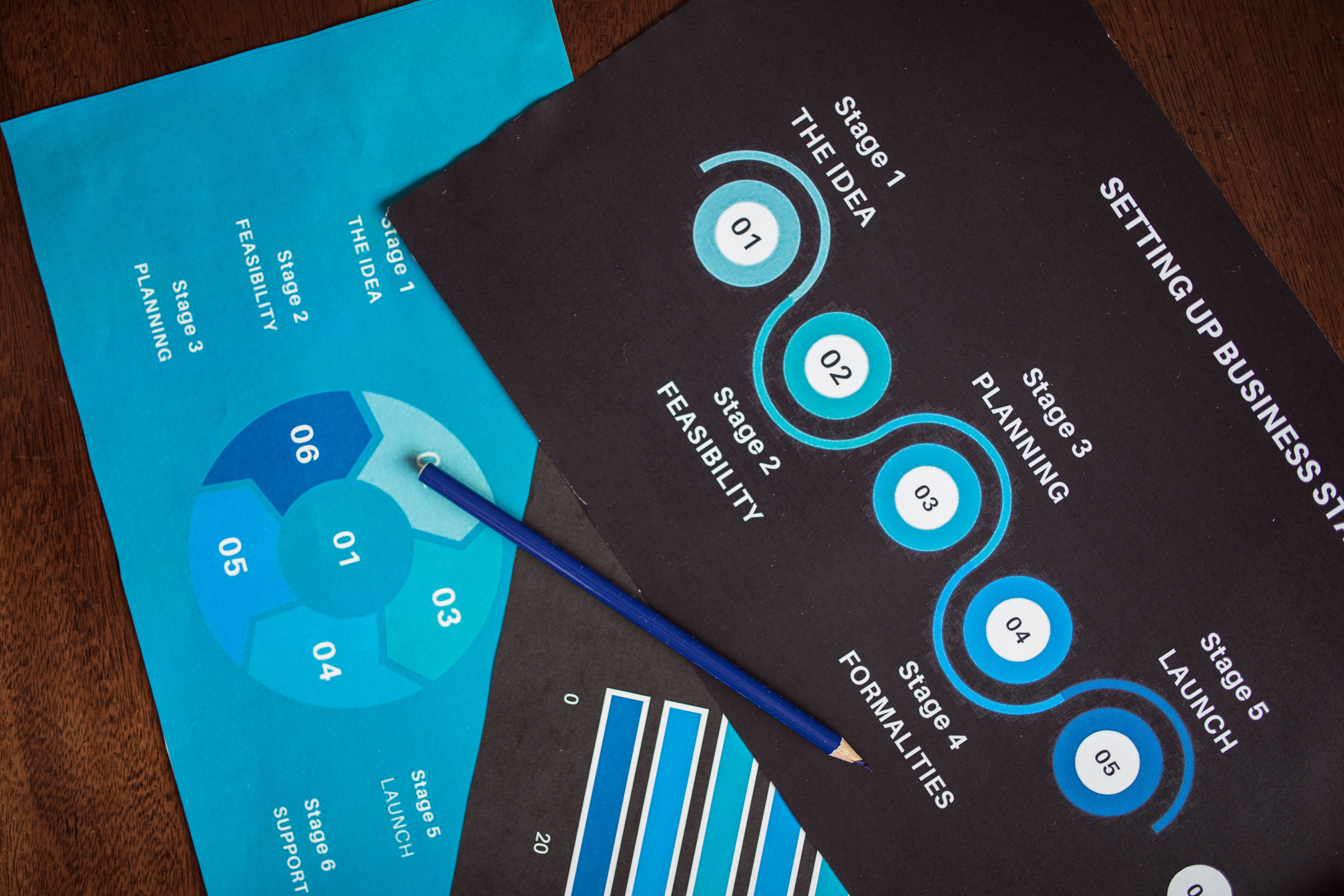
Do not start by adjusting colors. Start with the takeaway, then the figure hierarchy, then text compression. Visual polish comes after the story is clear. This order prevents the common trap of making a crowded poster look slightly prettier instead of making it easier to understand.
For a same day poster, aim for a clean draft rather than perfection. Use AI to generate options quickly, then make firm decisions. Remove sections that do not support the main message. Increase figure size. Cut text until a tired conference attendee can still follow the story.
Final pass: keep the speed, keep the science
The best use of AI is not to create a poster you barely read. It is to help you reach a reviewable draft faster. You still decide what is true, what is important, and what belongs on the page.
An AI scientific poster can save time on structure, wording, layout ideas, captions, and compression. It can also create problems if you treat fluent text as verified science. Keep the tool in its proper role: drafting assistant, not author, statistician, or principal investigator.
Before export, zoom out and ask three questions. Can the main finding be understood quickly? Is every claim supported by the data shown or referenced? Would you feel comfortable explaining every sentence to a skeptical expert?
If yes, you have used AI well. You have moved faster without handing over judgment. That is the sweet spot for researchers who need better posters and have limited design time.
Frequently Asked Questions
Can I use an AI scientific poster tool for unpublished research?
Yes, but be careful with confidential or sensitive data. Check your institution, funder, and conference policies before uploading unpublished material to any AI tool. When possible, use deidentified summaries and keep raw data in approved systems.
Will AI replace my role in scientific poster creation?
No, and it should not. AI can draft layouts, shorten text, suggest captions, and organize sections, but it cannot judge the validity of your evidence. You remain responsible for accuracy, interpretation, ethics, and final approval.
What is the fastest way to start an AI scientific poster?
Start with a one sentence main message, your key figures, and a short structured brief. Ask AI for an outline before asking for full text. This prevents a crowded poster and helps you keep the main result at the center.
Written by
Shobajo AbdulAzeez
Tags
Share this article