How to Use PhyloPic in Scientific Figures
In This Article
Why PhyloPic belongs in ecology and evolution figures
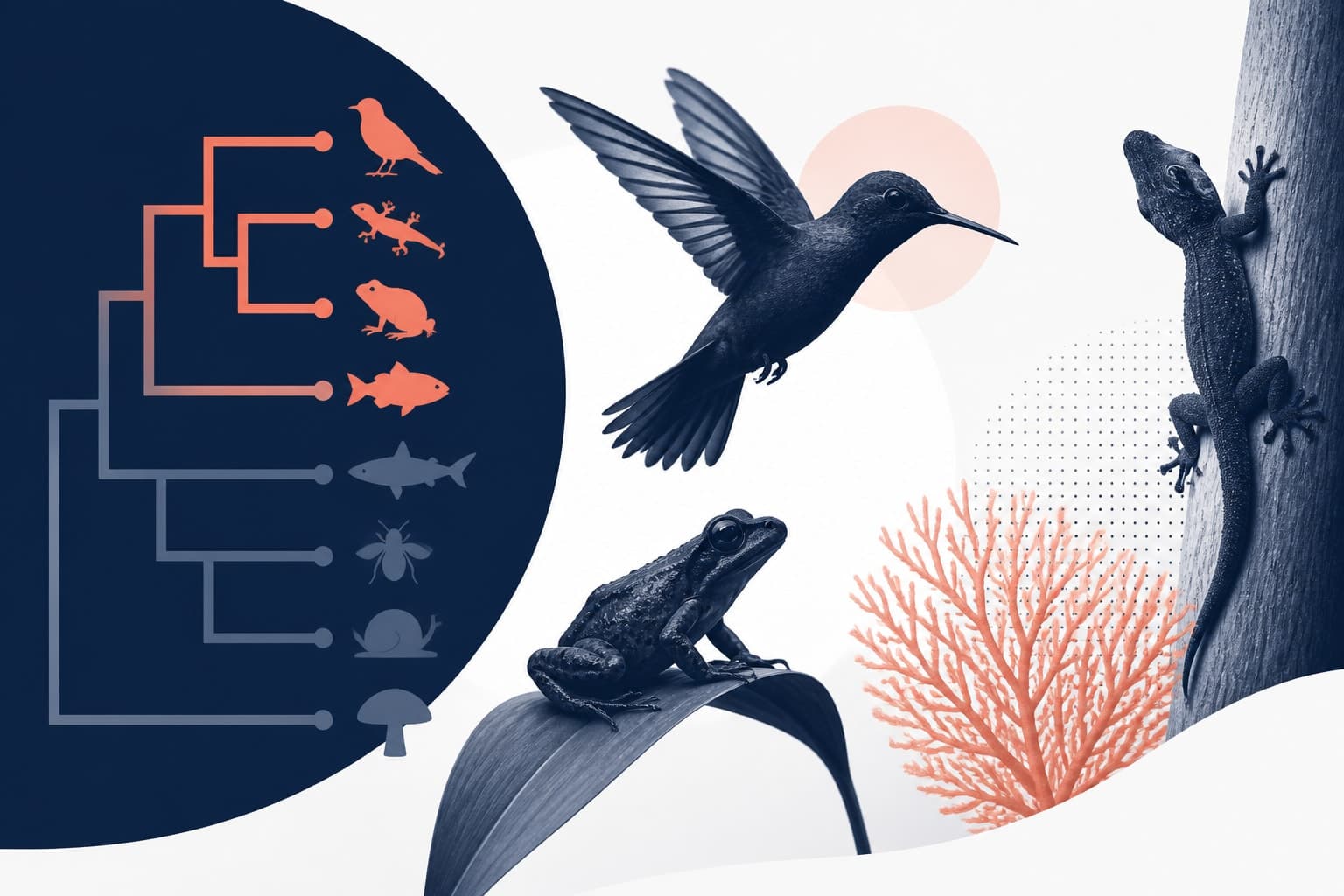
PhyloPic is one of the most useful places to find organism silhouettes for scientific figures. If you work in ecology, evolution, phylogenetics, conservation, or comparative biology, you often need a quick visual cue for a taxon. A clean silhouette can help readers understand a clade, trait, host, vector, habitat, or sampling design before they read the caption.
The value is not just speed. Good organism visuals reduce cognitive load. A bird, fern, beetle, fish, or fungus icon can make a complex panel easier to scan. That matters when a figure has multiple treatments, taxa, geographies, or model outputs.

Still, silhouettes are not decoration. They are scholarly assets with licensing conditions. If you copy an image without checking reuse rules, you can create problems for papers, posters, lectures, preprints, and grant figures. The good news is simple: you can use these visuals well if you build a repeatable workflow.
This guide explains how to find organism silhouettes, check licenses, prepare graphics, and write attribution. We will also show where tools like Graffiy fit into a clean figure building process. If you want to move from rough concept to publication ready artwork, you can create with Graffiy while keeping your sources and credits organized.
What PhyloPic provides, and what it does not
PhyloPic is a database of reusable organism silhouettes contributed by a broad community. It is especially useful for taxon level visuals, because many images are tied to scientific names or higher taxonomic groups. You can browse or search for a name, then download a silhouette for use in figures.
The official site is the best place to start: PhyloPic. Use the source page for each image, not a screenshot from another figure or a random search result. The source page is where you can confirm the image creator, license, and taxonomic context.
However, the database is not a guarantee that every silhouette is perfect for every use. A silhouette may represent a close relative rather than your exact species. Some assets are generic at a genus, family, order, or broader level. Others are exact enough for a clade label but not for a species diagnostic illustration.
That distinction matters. In a phylogeny, a generic mammal silhouette might be acceptable for a broad clade. In a morphology paper, it may be misleading. Use silhouettes as symbolic aids unless the image is explicitly appropriate for the exact organism you discuss.
Also remember that a silhouette is not a substitute for primary evidence. It should not imply an observation, sampling location, phenotype, or voucher record that your data do not support. Treat it as a visual label, not as data.
Check licenses before you design the figure
The biggest mistake is designing first and checking reuse rights later. Do the reverse. Before you place a silhouette into a figure, record the license, creator, source URL, and any required credit text. This takes a few minutes and prevents last minute edits before submission.
Many assets use Creative Commons licenses or public domain style tools. The exact terms vary, so do not assume one rule applies to every download. Some images allow use without attribution. Others require attribution. Some may have conditions about modifications or commercial reuse.
If you need a refresher on license families, the Creative Commons license overview is a reliable reference. It explains what labels such as CC BY, CC BY-SA, and CC0 mean in plain terms. Journal publication, conference talks, teaching materials, and commercial textbooks can trigger different reuse questions, so read the license itself when the stakes are high.

For most research figures, you should save a small attribution record while collecting assets. A spreadsheet works. A text file works. A reference manager note works. The format matters less than consistency.
Record these details for every silhouette:
- Scientific name or taxonomic group shown by the image.
- Creator or contributor name, exactly as listed.
- License name and version, such as CC BY 4.0 or CC0.
- Source URL for the specific asset page.
- Date accessed, especially for long projects.
- Any modifications you make, such as cropping, recoloring, or rotation.
This record also helps collaborators. A coauthor can review your figure without guessing where the graphics came from. That is a small act of open science hygiene, and reviewers appreciate it more than they say.
How to find the right PhyloPic silhouette
Start with the scientific name that best matches your figure purpose. If your panel labels species, search the species name first. If no exact match exists, search the genus, family, order, or a representative related taxon. When you move to a broader taxon, make that choice clear in your own notes.
Next, compare available silhouettes. Prefer clear shapes with recognizable outlines at small sizes. A beautiful detailed silhouette may fail in a multipanel figure if the legs, antennae, fins, or fronds collapse into a blur. Simpler shapes often communicate better.
Check whether the organism orientation fits your design. A left facing icon may work for a tree tip label. A dorsal view may work for a trait matrix. A side view may work for a conceptual life history diagram. Consistent orientation across taxa can make the whole figure feel more deliberate.
Download vector files when available. SVG files scale cleanly and are easier to recolor without losing edge quality. Raster files can work, but they may pixelate in print or high resolution exports. If you must use a raster file, use the largest appropriate size and avoid repeated resizing.
Then test the silhouette inside the actual figure. Do not judge it alone on a white page. Place it next to labels, nodes, maps, confidence intervals, and legends. If the shape is unclear at final size, choose another asset or simplify the figure around it.
Build organism visuals that serve the science
A strong scientific figure uses organism silhouettes to clarify structure. It does not scatter icons wherever there is empty space. Before placing an image, ask what the reader needs to understand faster because the icon is present.
There are several high value uses in ecology and evolution. In phylogenetic trees, silhouettes can identify major clades or selected tips. In sampling diagrams, they can show host species, pollinators, predators, parasites, or focal taxa. In trait evolution figures, they can connect phenotypes to lineages. In conservation graphics, they can anchor threats or management units.

Keep the visual system consistent. Use one silhouette style if possible. If some images are filled shapes and others are line drawings, the figure can look patched together. A mixed style is sometimes unavoidable, but then you should standardize size, color, stroke, and placement.
Color needs restraint. Black or dark gray silhouettes are usually safest. If you color icons by treatment, region, diet, or conservation status, use the same palette as the rest of the figure. Avoid adding color only because it looks lively. Color should encode meaning or improve contrast.
Scale is another common trap. A whale icon and an ant icon in the same figure do not need to represent true body size unless scale is the topic. Usually, silhouettes work as labels, so visual equality is acceptable. If relative size matters, state that in the caption and use a scale system the reader can verify.
For accessibility, make sure icons are not the only way to understand the figure. Pair them with text labels, symbols, or legends. A reader using a grayscale printout or a screen reader should still get the scientific message from captions and labels.
Attribution that journals, coauthors, and readers can trust
Attribution is not just legal housekeeping. It is a way to credit scientific and artistic labor. It also lets readers reuse or verify the same assets later. Clear attribution makes your figure easier to audit.
When attribution is required, include enough information to identify the creator, title or taxon if listed, source, license, and modifications. Exact requirements depend on the license, but a good caption credit is usually concise and complete.
Here is a practical template:
Organism silhouettes from PhyloPic, created by Creator Name, licensed under License Name, source URL. Modified by recoloring and resizing.
If the figure uses many silhouettes, a caption can become crowded. In that case, use a supplementary table, data availability statement, or figure credit note. The main caption can say that full silhouette credits are provided in Supplementary Table S1. Make sure the journal permits this approach and that required credits are still visible enough.
For CC0 assets, attribution may not be legally required, but we still recommend crediting the source when space allows. It helps the community and protects your own workflow. A simple note such as "Silhouettes from PhyloPic, CC0 assets listed in Supplementary Table S1" is often enough for transparent reporting.
If you modify an image, say so. Recoloring, cropping, flipping, simplifying, and combining with other graphics can count as changes. Do not imply the original creator made your altered version. A clean attribution line protects both you and them.
A practical workflow for PhyloPic figures
Here is the workflow we recommend for ecology and evolution teams. It is simple enough for a student poster and structured enough for a manuscript figure set.
- Define the role of each organism visual before searching.
- Search PhyloPic by the most precise scientific name that fits the figure.
- Open the asset page and record creator, license, source URL, and access date.
- Download a vector file when possible.
- Place the silhouette in your figure at final approximate size.
- Standardize color, orientation, and spacing across related icons.
- Add labels so the icon is not the only source of meaning.
- Write attribution while the source page is still open.
- Export a draft and check legibility at print size and slide size.
- Store the source files and attribution notes with the project.
This workflow sounds obvious, but it prevents most figure problems. The key is doing the rights check and attribution work while you are choosing the image, not after the design is finished.
When using Graffiy, you can build figures around the research message first, then refine visual assets with consistent styling. Keep a note layer or project note with silhouette credits. That habit makes it easier to revise the figure months later when a reviewer asks for a new taxon, panel, or orientation.
Common mistakes to avoid
The first mistake is using a silhouette as if it proves taxonomic identity. A generalized icon should not suggest that a specific species was sampled. If the silhouette is only representative, your label should carry the exact scientific information.
The second mistake is losing attribution during file handoffs. A PNG pasted into a slide deck can become detached from its source. Keep a folder with original downloads and a credits file. Name files clearly, such as genus_species_creator_license.svg.
The third mistake is stretching icons unevenly. Distorted silhouettes look unprofessional and can misrepresent morphology. Resize proportionally. If the shape does not fit the layout, change the layout rather than compressing the organism.
The fourth mistake is overloading a figure with too many taxa. If every branch has an icon, the tree may become harder to read. Use silhouettes where they mark major comparisons, focal species, or key interpretive points. Leave the rest to labels.
The fifth mistake is assuming all open images are free of obligations. Open does not always mean no attribution. Reusable does not always mean unrestricted. Check the license, and when in doubt, choose a simpler asset with clearer terms.
Final checklist before submission
Before you submit a manuscript, upload a preprint, or present a talk, run a quick figure audit. It is much easier than fixing a proof under deadline pressure.
| Check | What to confirm |
|---|---|
| Scientific fit | The silhouette matches the taxonomic level and does not overstate identity. |
| License | The reuse terms allow your intended use, including publication or teaching. |
| Attribution | Creator, source, license, and modifications are recorded and credited. |
| Legibility | The icon is readable at final print size and presentation size. |
| Accessibility | Text labels or captions explain the meaning without relying only on the image. |
PhyloPic is useful because it meets a real need: scientists need organism visuals that are clear, reusable, and tied to biological names. But the best results come from treating each silhouette as a cited visual resource. Choose carefully, credit clearly, and keep the figure focused on the science.
If you build that habit now, your figures will be easier to review, reuse, teach from, and revise. More importantly, your visuals will respect the people who created the assets and the readers who rely on your figures to understand the biology.
Frequently Asked Questions
Can I use PhyloPic silhouettes in journal figures?
Yes, you can often use PhyloPic silhouettes in journal figures, but you must check the license for each individual asset. Some require attribution, while others may be released under CC0. Record the creator, source URL, license, and any modifications before submission.
How should I cite organism silhouettes in a figure caption?
A useful citation includes the creator name, source, license, and a note about modifications. For example, you can write that silhouettes were sourced from the relevant asset page, licensed under the stated Creative Commons license, and recolored or resized by you. If you use many assets, place the full credits in a supplementary table if the journal allows it.
What file type should I download for scientific figures?
Choose SVG or another vector format when it is available because it scales cleanly for print, slides, and graphical abstracts. Raster formats can work if the resolution is high enough, but they are easier to blur or pixelate. Always test the silhouette at the final figure size before submission.
Written by
Shobajo AbdulAzeez
Tags
Share this article