Bioicons: The Best Free Biology Icon Library for Scientific Research
In This Article
Why Bioicons Transformed Scientific Illustration
If you've ever struggled to find quality biological icons for your research presentations, you're not alone. Most generic icon libraries offer a handful of basic science symbols that barely scratch the surface of what biologists actually need. That's where Bioicons comes in as the most comprehensive free biology icon library available to researchers today.
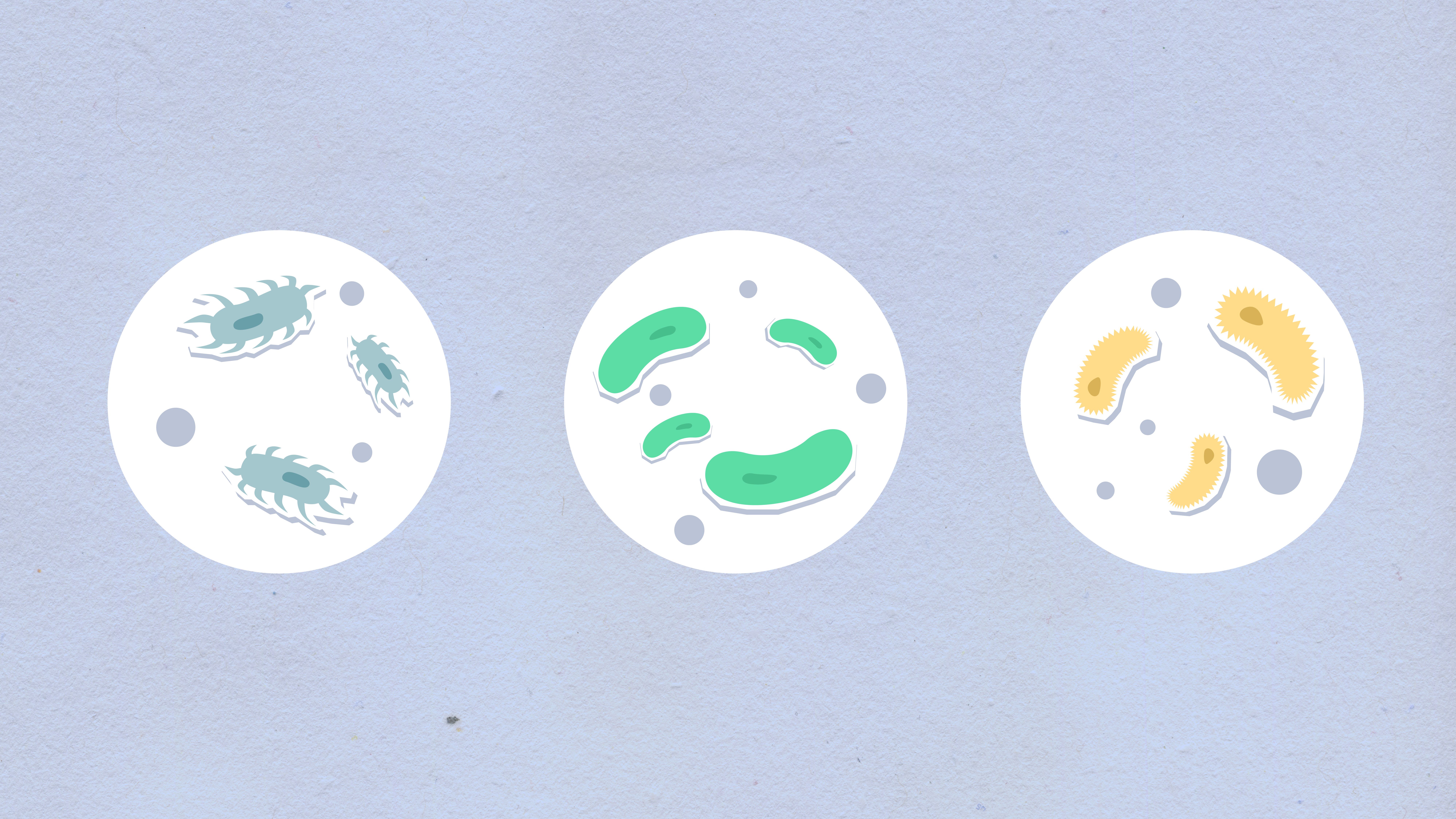
Bioicons represents a collaborative effort between scientists and designers to create standardized visual representations of biological concepts. The library contains over 400 meticulously crafted icons covering everything from molecular structures to ecological systems. What sets this resource apart is its scientific accuracy combined with visual consistency.
The project emerged from a simple frustration shared by researchers worldwide. Creating clear, professional diagrams shouldn't require a design degree or expensive software licenses. Scientists needed a reliable source of standardized biological symbols that could enhance their presentations, papers, and educational materials without breaking copyright laws or department budgets.
Essential Bioicons Use Cases for Research
Research presentations benefit enormously from consistent iconography. Instead of hunting through multiple sources or creating crude drawings, you can quickly access professionally designed symbols for proteins, organelles, experimental procedures, and data types. Conference posters become more visually appealing and easier to understand when complex concepts are represented with clear, standardized icons.
Academic publishing increasingly favors visual abstracts and graphical summaries. Journal editors appreciate manuscripts that include well-designed figures using consistent iconography. Bioicons provides the building blocks for creating publication-quality graphics that meet journal standards without requiring extensive design experience.
Educational materials gain significant impact when biological concepts are represented visually. Whether you're creating lecture slides, handouts, or interactive presentations, having access to accurate biological symbols helps students understand complex processes. The consistency across icons also helps learners recognize patterns and relationships between different biological systems.
Grant applications often require clear visual representations of proposed research methodologies. Funding agencies appreciate well-illustrated project descriptions that demonstrate thorough planning and clear communication skills. Using professional biological icons can make your research proposals stand out from text-heavy submissions.
Understanding Bioicons Licensing Terms
The licensing structure of Bioicons deserves careful attention because it affects how you can legally use these resources. The project operates under a Creative Commons license that permits both commercial and non-commercial use with proper attribution. This means you can include these icons in published research, commercial presentations, and educational materials without paying licensing fees.
Attribution requirements are straightforward but important. You must credit the Bioicons project when using their icons in any published work. For academic papers, this typically means including a brief acknowledgment in your figure captions or methods section. The exact attribution text is provided on their website and should be copied precisely to ensure compliance.
Modifications are explicitly permitted under the license terms. You can change colors, sizes, orientations, and even combine multiple icons to create new compositions. This flexibility proves essential when adapting icons to match your specific design requirements or institutional branding guidelines. However, you cannot claim ownership of modified versions or redistribute them under different license terms.
Commercial use permissions extend to consulting work, industry presentations, and for-profit educational materials. Biotechnology companies, pharmaceutical researchers, and science communication firms can incorporate these icons into their professional materials without additional licensing negotiations. This broad permission makes Bioicons particularly valuable for researchers who work across academic and industry contexts.
Some restrictions do apply to prevent misuse. You cannot sell the icons themselves as products, create competing icon libraries using modified versions, or use them in ways that could damage the scientific accuracy or reputation of the original project. These limitations protect both the creators and users by maintaining quality standards.
Step-by-Step Bioicons Editing Workflow
Accessing Bioicons requires nothing more than an internet connection and a modern web browser. Navigate to the project website where you'll find icons organized by biological categories including molecular biology, cell biology, ecology, genetics, and laboratory equipment. The search function helps locate specific symbols quickly when you know exactly what you need.
Download formats include both vector and raster options. Vector files work best for publications and presentations because they scale without quality loss. SVG format provides maximum flexibility for color changes and modifications. PNG files with transparent backgrounds work well for quick insertions into existing documents when vector editing isn't necessary.

Color customization represents one of the most common modifications researchers make. Most vector editing software allows simple color changes without affecting the overall design integrity. Adobe Illustrator, Inkscape, and even PowerPoint can handle basic color modifications. When working with multiple icons in the same project, establish a consistent color scheme that aligns with your institutional branding or publication requirements.
Size adjustments require attention to visual hierarchy and readability. Larger icons work well as focal points in diagrams, while smaller versions function effectively as supporting elements or legend symbols. Maintain consistent scaling ratios when using multiple icons together to preserve visual balance and professional appearance.
Combining multiple icons creates powerful visual narratives for complex biological processes. Arrange icons spatially to represent relationships, pathways, or temporal sequences. Add connecting lines, arrows, or backgrounds to enhance comprehension. Many researchers create templates with commonly used icon combinations to streamline future projects.
Integration with design software varies depending on your tools and expertise level. Professional software like Adobe Creative Suite offers extensive manipulation capabilities but requires significant learning investment. Simpler tools like Canva or even PowerPoint provide sufficient functionality for most research applications. When you create with Graffiy, you can seamlessly incorporate Bioicons into professional scientific designs without extensive technical knowledge.
Advanced Applications and Best Practices
Pathway diagrams benefit from systematic icon organization and consistent visual relationships. Start with core processes and add supporting elements progressively. Use size variations to indicate importance or concentration levels. Color coding can represent different molecular types, temporal stages, or experimental conditions. Maintain adequate spacing between elements to prevent visual confusion.
Data visualization projects often incorporate biological icons as categorical markers or legend elements. Instead of generic shapes or symbols, biological icons provide immediate context and improve comprehension. Phylogenetic trees, experimental flow charts, and results summaries become more accessible when augmented with relevant biological symbols.
Collaborative research projects require consistent iconography standards across all team members. Establish shared libraries and naming conventions early in project timelines. Document color schemes, sizing guidelines, and usage preferences to ensure visual consistency across different contributors and document types. This upfront investment prevents confusion and revision cycles later.
Quality control becomes crucial when working with multiple icon sources or creating extensive visual materials. Regular review of icon accuracy, consistency, and appropriateness helps maintain professional standards. Scientific illustration guidelines published by major journals provide excellent reference points for quality assessment.

Troubleshooting Common Implementation Issues
File format conflicts arise when different software applications require specific input types. Keep multiple format versions of frequently used icons to avoid conversion delays. SVG files provide maximum compatibility but some older software versions may require PNG alternatives. Test icon imports with your primary tools before important deadlines to identify potential compatibility issues.
Scale inconsistencies become apparent when mixing icons from different sources or creation periods. Bioicons maintains consistent design standards, but external additions may require adjustment. Establish baseline sizing standards and apply them systematically across all visual elements. Document these standards for team consistency and future reference.
Attribution compliance sometimes gets overlooked in complex projects with multiple contributors. Create standard attribution templates and integrate them into your workflow processes. Include attribution information in project metadata and file naming systems to prevent accidental omissions. Regular compliance audits help identify and correct attribution gaps before publication.
Color accessibility considerations affect how different audiences perceive your visual communications. Test icon visibility across different display conditions and color perception abilities. High contrast alternatives may be necessary for certain applications or audiences. Many researchers maintain both standard and high-contrast versions of key icon sets.
Future Developments and Community Contributions
The Bioicons project continues expanding through community contributions and feedback. Researchers can request specific icons for emerging research areas or suggest improvements to existing designs. This collaborative approach ensures the library remains relevant and comprehensive as biological research evolves.
Integration opportunities with research software platforms are increasing as the scientific community recognizes the value of standardized iconography. Reference management tools, presentation software, and research collaboration platforms are beginning to incorporate direct access to biological icon libraries. These integrations streamline workflow processes and reduce friction in creating professional scientific communications.
Educational adoption is spreading across institutions as instructors discover the benefits of consistent visual language in biological education. Standardized icons help students develop visual literacy skills that transfer across different courses and research contexts. Many universities now include biological iconography training in their research communication curricula.
Quality assurance processes continue improving through peer review and expert validation. Subject matter experts regularly review icon accuracy and suggest refinements based on current understanding and visual clarity requirements. This ongoing curation ensures that biological representations remain scientifically accurate and visually effective.
The project's open-source nature encourages derivative works and specialized applications. Researchers have created field-specific icon sets, animated versions for educational applications, and integration tools for common research software platforms. These community contributions expand the ecosystem while maintaining compatibility with the core Bioicons library.
Frequently Asked Questions
Can I use Bioicons in commercial research presentations?
Yes, Bioicons operates under a Creative Commons license that explicitly permits commercial use with proper attribution. You can include these icons in industry presentations, consulting materials, and commercial educational products as long as you provide appropriate credit to the Bioicons project.
What's the best way to customize Bioicons for my research needs?
Download the SVG vector format for maximum flexibility in color and size modifications. Most design software including Adobe Illustrator, Inkscape, and even PowerPoint can handle basic customizations. Maintain consistent scaling and color schemes across your project for professional results.
How do I properly attribute Bioicons in academic publications?
Include the attribution text provided on the Bioicons website in your figure captions or acknowledgments section. The exact wording ensures license compliance and supports the continued development of this valuable resource for the research community.
Written by
Shobajo AbdulAzeez
Tags
Share this article