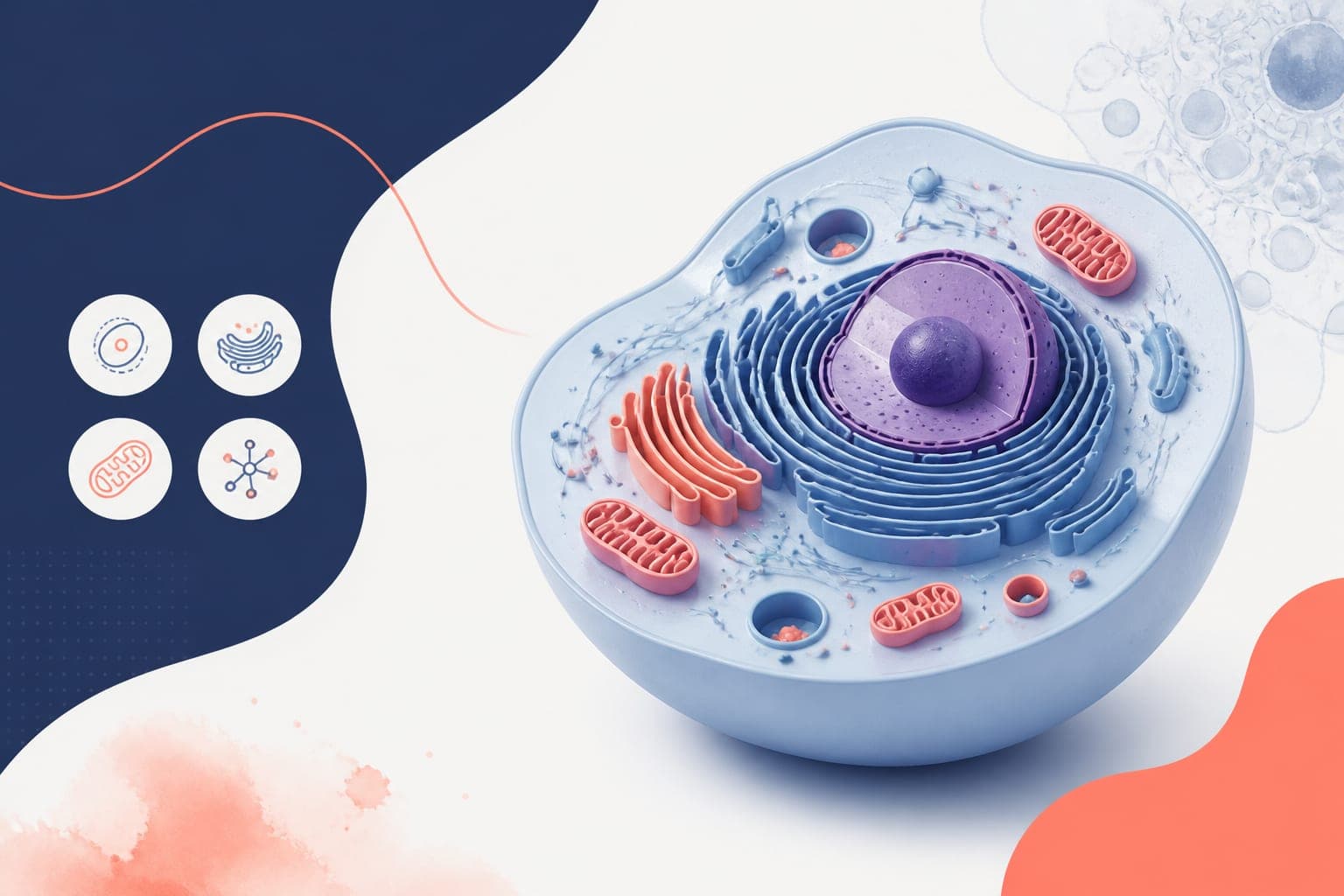
How to Build a Reusable lab figure asset library for Your Lab
In This Article
Why a lab figure asset library belongs in your lab workflow
A lab figure asset library is a shared collection of approved icons, colors, templates, file naming rules, and reusable graphic elements. If your lab produces papers, grant figures, posters, lectures, protocol diagrams, or internal reports, you already have figure assets. The problem is that they are usually scattered across slide decks, old Illustrator files, shared drives, and someone's desktop.
That scatter creates quiet waste. New lab members redraw the same pipette icon. A postdoc uses three blues across one figure. A grant schematic looks unrelated to the paper figure from the same project. None of this is catastrophic, but it makes your science feel less organized than it is.
For PIs and lab managers, the goal is not to police creativity. The goal is to remove repeated decisions. When your team has a stable visual system, researchers can focus on the message, not whether the mitochondrion icon should be teal or purple.
A good asset library also protects institutional memory. When a senior trainee graduates, the lab should not lose the figure style they refined over five years. The reusable components should stay with the group, ready for the next manuscript.
Start with an audit before you standardize
Before you create rules, collect what your lab already uses. Ask each project lead to send representative figures from publications, manuscripts in progress, grant applications, posters, presentations, and protocols. Include both polished and rough examples. The rough files reveal where people struggle most.
Sort these examples into three piles: keep, improve, and retire. Keep assets that are accurate, readable, and aligned with the lab's identity. Improve assets that are useful but inconsistent. Retire anything outdated, unclear, visually misleading, or too specific to one old project.
During the audit, look for repeated objects. Common candidates include cells, organelles, animals, tubes, plates, proteins, DNA, RNA, antibodies, microscopes, sensors, tissue sections, bacteria, viruses, arrows, timelines, experimental workflows, and statistical plot styles.
Then look for repeated problems. Are color meanings inconsistent? Are icons mixed between flat, outlined, and realistic styles? Are figure panels sized differently across similar manuscripts? Are files named final, final2, and final_really_final? These are not personal failures. They are system failures.
A practical audit should take two to four hours for a small lab and a day for a larger group. Do not wait for perfection. Your first version only needs to solve the most common 80 percent of figure work.
Define the core structure of your lab figure asset library
Your lab figure asset library should be simple enough that a first year graduate student can use it without a meeting. If the structure has twelve nested folder levels, people will avoid it. Start with a clear top level and expand only when needed.
We recommend five core folders: icons, colors, templates, examples, and exports. Add a sixth folder for documentation if your lab uses many collaborators or multiple design tools. The documentation folder should include a short visual guide, not a long policy document that nobody reads.
| Folder | What it contains | Owner |
|---|---|---|
| Icons | Approved reusable biological, technical, and workflow symbols | Lab manager or design lead |
| Colors | Palette files, accessibility notes, and color meaning rules | PI plus lab manager |
| Templates | Figure panels, graphical abstracts, poster layouts, and grant schematics | Project leads |
| Examples | Published or approved figures that show correct use | PI |
| Exports | Shared PNG, SVG, PDF, and slide-ready versions | Anyone, with review |
Keep editable master files separate from exported files. Editable files are for people who understand the design system. Exports are for fast use in slides, drafts, and lab meeting figures. This separation reduces accidental damage.
You can store the library in a shared cloud folder, an institutional drive, or a design platform. If you want AI-assisted scientific figure creation with reusable visual assets, you can create with Graffiy and keep your lab's figure workflow closer to the actual research process.
Standardize icons without making them generic
Icons are often the most visible part of a figure system. They also become messy quickly. One person downloads a brain icon from a slide template. Another draws a mouse from scratch. A third uses a glossy 3D cell from an old poster. Together, the figure starts to look assembled from spare parts.
Your icon system needs a defined style. Choose one main approach: outline, filled, flat color, simplified semi-realistic, or monochrome. For most scientific figures, flat or simple outline icons work best. They reproduce well, scale cleanly, and do not distract from data.
For each icon, include an editable vector version and at least one export format. SVG is useful for scaling and editing. PNG is helpful for slides and quick drafts. PDF works well for print workflows. If your lab uses PowerPoint heavily, include slide-native versions too.
Scientific accuracy matters. A T cell icon does not need every membrane protein, but it should not look like a neuron. A DNA icon should be recognizable without implying a mechanism you did not study. The icon should simplify, not distort.
Build your first icon set from the objects your lab uses every month. Avoid creating a museum of every possible asset. A compact, maintained library is better than a giant folder full of questionable drawings.
Create a color system that is readable and meaningful
Color should carry meaning, not decoration alone. In a strong lab figure asset library, color choices are consistent across manuscripts and presentations. If control samples are gray in one figure and orange in another, readers have to relearn the system each time.
Start with a primary palette of four to six colors. Add neutral colors for text, outlines, backgrounds, and inactive elements. Then define rules. For example, control is dark gray, treatment A is blue, treatment B is purple, knockout is orange, and rescue is green.
Check contrast early. Figures are read on projectors, laptops, printed pages, and phones. Low contrast labels may look elegant on your monitor and fail in a conference room. The W3C guidance on contrast minimums is written for web accessibility, but the principle is useful for scientific figures too.
Also plan for color vision differences. Avoid relying only on red and green separation. Use shape, labels, line styles, or direct annotations to support color. This is especially important for plots, pathway diagrams, and microscopy overlays.
Document your palette with color names, HEX values, RGB values, and CMYK values if your lab prints posters. Give colors practical names, such as control gray or treatment blue. Names like ocean mist are pretty, but less helpful in a lab meeting.
Practical rule: If a color has meaning in one figure, write that meaning down. If it is only decorative, use it sparingly.
Build templates for the figures you make repeatedly
Templates save time because they remove layout decisions. They also make review easier. When a PI sees familiar spacing, label placement, and panel structure, feedback can focus on the science instead of the formatting.
Start with the figure types your lab uses most: experimental workflow diagrams, mechanism schematics, multi-panel manuscript figures, graphical abstracts, model summaries, posters, and grant specific aims visuals. Each template should include editable text, placeholder panels, suggested icon locations, and export notes.

Manuscript templates should reflect journal constraints when possible. Leave room for panel labels, scale bars, legends, and statistical annotations. For grants, make templates that support fast iteration, because aims figures often change many times before submission.
Do not overdesign templates. A template should guide, not trap. Leave enough flexibility for different experiments and datasets. The best templates feel like a clean starting point, not a rigid form.
Include approved examples next to each template. People learn faster by seeing a completed figure than by reading instructions. If you have a published figure that used the template well, include it with permission and note the citation.
Set file naming rules people will actually follow
File naming sounds boring until a submission deadline arrives. Then it becomes painfully important. A lab figure asset library should include naming rules for source files, exports, templates, and archived figures.
Use a format that is predictable and short. A good structure is: project, figure type, asset name, version, date, and owner initials. For example: cancer-signaling_icon_t-cell_v03_2026-02-14_AM.svg. This tells the team what the file is before anyone opens it.
Avoid spaces, mystery abbreviations, and emotional version names. File names such as new figure, better one, final, and final final are funny until they cost your team an hour. Use lowercase letters where possible, and separate words with hyphens or underscores consistently.
Version numbers should increase when the asset changes meaningfully. Small exports do not need a new master version every time. Major edits do. Keep old versions in an archive folder so the active library stays clean.
Here is a simple rule that works: only one folder is called current. Everything else is dated or archived. If people must guess which file to use, the system has already failed.
Assign ownership and review without creating bottlenecks
A library needs maintenance. Without an owner, it decays. With too much control, it becomes slow and annoying. The solution is lightweight governance.
Choose one library owner, often a lab manager, senior research specialist, or visually careful postdoc. This person keeps folders tidy, checks file names, removes duplicates, and updates documentation. The PI should approve visual rules and scientific conventions, but should not need to approve every icon export.
Create a simple intake process. If someone makes a useful new asset, they place it in a review folder with a short note: what it is, which project used it, and whether it is scientifically general. The owner reviews it, standardizes the file name, and moves it into the active library.
Review the library quarterly. Remove unused assets, fix confusing labels, and add templates for recurring needs. A fifteen minute review during lab operations time is usually enough. Larger labs may need a monthly check, especially before grant seasons.
This is where being slightly strict helps. If the library is full of near duplicates, people stop trusting it. Curate it like a shared reagent freezer. Keep what works, label it clearly, and remove the mystery tubes.
Make the library easy for new lab members to adopt
Your system only works if people use it. Add the lab figure asset library to onboarding. A new student or research assistant should know where assets live, which templates to use, and how to request a new item within their first week.
Create a one-page quick start guide. Include the folder link, the palette, the file naming format, three example figures, and the name of the library owner. Keep it visual. Nobody needs a twenty-page manual to choose the right arrow style.
Use the library during lab meeting preparation. When someone presents a rough schematic, ask whether they started from the standard template. This normalizes the workflow without turning it into a formal inspection.
Also make it clear that the library is not a creativity ban. Scientists can propose new styles when the science requires it. The point is consistency by default, with thoughtful exceptions.
Connect your asset library to publication and grant quality
A reusable asset system does more than make figures attractive. It makes scientific communication faster and more reliable. Reviewers may not comment on your icon consistency, but they notice when a figure is easy to follow.
Consistent colors reduce cognitive load. Standard panel layouts make multi-part results easier to compare. Clear file naming prevents last-minute confusion. Approved templates help junior scientists produce stronger visuals before the PI ever opens the draft.
For grants, this can matter a lot. Aims pages and overview schematics have limited space. A sloppy figure can make a strong idea feel underdeveloped. A clean, consistent figure helps reviewers understand the hypothesis, approach, and expected outcome quickly.
For publications, the library supports reproducibility in communication. When figure elements are standardized, the team can distinguish real changes in the science from accidental changes in design. That matters when you revise figures across rounds of review.
A practical 30-day rollout plan
You do not need a six-month design initiative. Build the first version of your lab figure asset library in 30 days. Keep the scope narrow and useful.
- Week 1: collect recent figures, grant schematics, posters, and slide visuals. Identify repeated icons, colors, and layout problems.
- Week 2: choose the folder structure, draft file naming rules, and define the first color palette. Retire obvious duplicates.
- Week 3: create the first icon set and two to four templates. Focus on the figure types your lab uses most often.
- Week 4: test the library with one active figure draft. Collect feedback, fix friction points, and add the system to onboarding.
After 30 days, schedule a quarterly review. The library will improve as real projects use it. Resist the urge to make it perfect before release. A useful version that exists beats an ideal version trapped in planning.
Common mistakes to avoid
The first mistake is building too much. A lab figure asset library should start with the assets your lab actually needs. Do not spend a week drawing rare equipment icons if your team is struggling with basic workflow diagrams.
The second mistake is ignoring editable formats. Screenshots and flattened images are fine for quick use, but they are poor master assets. Keep vectors and editable templates available so the system can evolve.
The third mistake is letting everyone define colors independently. People often choose colors based on what looks good in one figure. That approach breaks across a manuscript. Shared color rules prevent that drift.
The fourth mistake is burying the library. If assets are hard to find, people return to old habits. Put the link in onboarding materials, lab wikis, shared drives, and manuscript preparation checklists.
Finally, do not treat the system as finished. Research changes. Projects change. A good library adapts while keeping the lab's visual language stable.
What a strong library changes for your team
When your lab has a reusable figure system, figure creation becomes calmer. People stop searching old decks for a usable icon. They stop guessing which blue was used in the last submission. They stop rebuilding figure layouts from empty slides.
The deeper benefit is shared clarity. Your lab communicates as one group, even when many people contribute. That consistency helps manuscripts, grants, conference talks, teaching materials, and collaboration updates feel connected.
Start small. Standardize the icons you use every month. Write down your color meanings. Build templates for the figures you repeat. Use file names that make sense under deadline pressure.
A well-maintained lab figure asset library is not decorative overhead. It is workflow infrastructure. Once it is in place, your team will wonder why figure work ever depended on scavenging old files.
Frequently Asked Questions
What should be included in a lab figure asset library?
A lab figure asset library should include approved icons, color palettes, figure templates, example figures, export formats, and file naming rules. It should also include a short guide that explains when and how to use each asset. Keep it practical so lab members can find what they need without asking for help every time.
Who should maintain the lab's reusable figure assets?
The best owner is usually a lab manager, senior research specialist, or experienced trainee with strong attention to detail. The PI should approve major visual standards, but routine cleanup should not require PI review. A quarterly maintenance schedule is usually enough for most labs.
How often should we update figure templates and icons?
Update templates and icons when your lab starts using a new recurring method, model system, or figure type. You should also review the library before major grant cycles or manuscript pushes. Avoid constant changes, because stability is what makes the system useful.
Written by
Shobajo AbdulAzeez
Tags
Share this article