How to Use an AI graphical abstract Responsibly
In This Article
An AI graphical abstract can help you move from a blank page to a clear visual story faster. That is useful, especially when you are preparing a manuscript, poster, preprint, grant summary, or conference submission under pressure. Still, responsible use matters. AI can suggest structure, labels, icons, and layout ideas, but it cannot take responsibility for scientific accuracy. You do that. The best workflow treats AI as a design assistant, not as a scientific author, reviewer, or data interpreter.
This guide is for researchers experimenting with AI tools who want practical rules, not vague warnings. We will cover where AI is genuinely helpful, where it gets risky, how to check journal and institutional policies, what to disclose, and how to review the final visual before submission.
Why responsible AI use matters in visual science
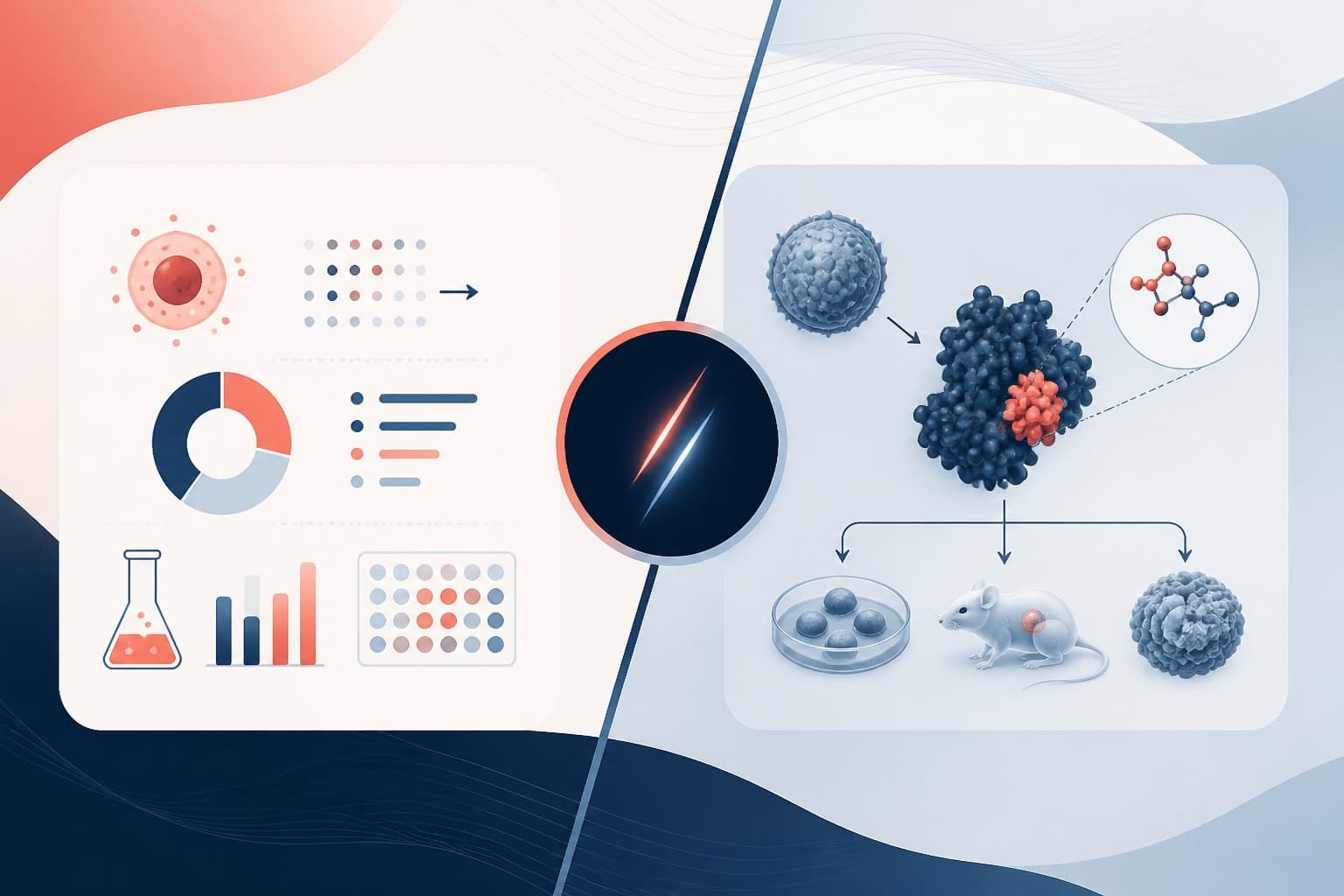
A graphical abstract compresses a study into a small visual argument. It often shows the research question, method, key finding, and implication in one image. Because it is compact, every icon, arrow, label, and color choice can change how readers interpret the work. That makes accuracy more important, not less.
AI tools can produce polished visuals quickly, which is both helpful and dangerous. A clean-looking diagram can hide weak logic, unsupported claims, or invented details. Readers may assume that a professional graphic reflects a careful scientific process. If the visual overstates your result, the damage is real, even if the mistake started as a prompt shortcut.
Responsible use protects three things: your readers, your research record, and your credibility. It also makes collaboration easier. When co-authors can see how the visual was developed, what was AI-generated, and what was verified by humans, they can review it properly.
The point is not to avoid AI. The point is to use it in a way that keeps scientific judgment visible. If an AI graphical abstract helps you clarify a mechanism or compare layouts, excellent. If it invents an assay, implies causality where you only showed association, or adds a molecule you never measured, you need to stop and correct it.
What an AI graphical abstract can and cannot do
An AI graphical abstract is strongest during ideation and early design. It can help you explore visual metaphors, simplify dense methods, convert paragraphs into scene ideas, and test different story flows. For example, you might ask for three layout options for a study about immune cell activation, or request simpler wording for labels aimed at a broad biomedical audience.
AI can also help you see your paper from a reader's perspective. If your abstract is packed with methods, the tool may suggest grouping them into fewer visual steps. If your core finding is buried, it may recommend making that result the center of the composition. Used carefully, this feedback can be useful.
However, AI cannot verify whether your Western blot, simulation, survey, or sequencing analysis supports the visual claim. It cannot know which controls passed quality checks unless you provide that information. It may not understand discipline-specific conventions, such as the correct orientation of an anatomical structure or the accepted symbol for a pathway component.
It also cannot decide what your journal allows. Some publishers permit AI assistance with disclosure. Others restrict image generation, data visualization, or undisclosed editing. Policies are changing, so you need to check the current instructions for your target journal before finalizing the figure.
A simple rule helps: use AI to generate options, not truth. Your manuscript, data, methods, and field standards define truth. The AI tool can help arrange and express that truth visually, but it should never create the scientific claim.
Start with a human-written visual brief
Before opening any tool, write a short visual brief. This keeps the AI grounded and keeps you honest. The brief should include your audience, the main message, the study system, the methods that matter, the result you can defend, and any visual boundaries.
For example, instead of prompting, “make a graphical abstract for my cancer paper,” write something like this: “Create layout ideas for a graphical abstract about a mouse xenograft study testing compound X. The defensible message is that compound X reduced tumor volume compared with vehicle in this model. Do not imply clinical efficacy in humans. Include treatment, tumor measurement, and reduced tumor growth as separate steps.”
That prompt gives the tool useful constraints. It also reminds you not to overclaim. In many cases, the most important part of responsible AI use is not the tool setting. It is the discipline you bring to the prompt.
Your brief should include negative instructions too. Tell the AI what not to show. Do not include untested pathways. Do not add clinical icons if the study is preclinical. Do not depict a therapeutic outcome if you measured only a biomarker. These boundaries reduce the chance of a beautiful but misleading output.
Use AI for ideation, not invention
Ideation is where AI earns its place. You can ask for layout variations, title alternatives, icon suggestions, hierarchy recommendations, color palette ideas, and ways to reduce clutter. This is especially helpful if you are not a trained designer or if your team is stuck debating the same draft.
Try asking for multiple concepts rather than one finished image. A useful prompt might be: “Suggest five graphical abstract structures for a materials science paper showing synthesis, characterization, and improved ion transport. Keep the message conservative and avoid decorative elements that look like data.” This gives you options without pretending the first output is final.
You can also ask AI to critique your current design. Share a text description of the figure and ask whether the story order is clear, whether labels are too long, or whether the viewer can identify the main result in five seconds. Treat the response as design feedback, not scientific review.
For researchers who want a more focused visual workflow, you can create with Graffiy and use AI support within a scientific design context. That matters because graphical abstracts are not generic marketing images. They need restraint, accuracy, and respect for field conventions.
Still, you should keep a record of your prompts and major outputs. This does not need to be complicated. Save the prompt, date, tool name, and final human edits. If a co-author, editor, or institutional reviewer asks how the visual was made, you will have a clear answer.
Check journal, funder, and institutional policy limits
Policy is the part many researchers check too late. Do it early. Before you submit, review the author instructions for the journal, your institution's research integrity guidance, and any funder rules that apply to communication outputs. Policies may address AI-generated images, authorship, confidentiality, copyright, citation, and disclosure.
The ICMJE Recommendations are a useful starting point for publication ethics, especially around authorship responsibility and transparency. They do not replace your journal's rules, but they help frame the principle: authors must be accountable for the work. AI tools cannot take that accountability.
Some journals prohibit AI-generated images unless they are part of the research method. Others allow AI-assisted figure preparation if authors disclose the tool and verify the content. Some publishers draw a line between language editing, design assistance, and image generation. You need to know which category your workflow falls into.
Confidentiality is another policy limit. Do not paste unpublished manuscripts, sensitive data, patient information, identifiable images, proprietary sequences, or confidential reviewer comments into a public AI tool unless you are certain the tool and your institution allow it. When in doubt, use de-identified summaries or approved systems.
Copyright can also become messy. If an AI tool produces visual elements based on unclear training data or gives you icons with uncertain licensing, you may not have the rights you think you have. Prefer platforms with clear terms, editable assets, and export rights appropriate for publication.
| Policy question | Why it matters | Responsible action |
|---|---|---|
| Does the journal allow AI-assisted figures? | Some journals restrict generated images. | Check author guidelines before final design. |
| Was confidential material entered? | Private data may be exposed. | Use approved tools or de-identified prompts. |
| Can you explain every visual claim? | Authors remain accountable. | Map each element to manuscript evidence. |
| Is disclosure required? | Transparency expectations vary. | Document tool use and include a statement if needed. |
Disclose AI assistance clearly and without drama
Disclosure should be plain. You do not need to make AI use sound mysterious or impressive. You also should not hide it when policies require transparency. A good disclosure tells readers what tool was used, what it helped with, and who reviewed the output.
For example: “The graphical abstract was prepared with AI-assisted layout ideation using [tool name]. The authors selected, edited, and verified all scientific content.” If the tool generated specific visual assets, say that. If it only helped brainstorm structure or shorten labels, say that instead.
Be precise because “AI was used” is too vague. Did it generate the entire image? Did it suggest layouts? Did it rewrite labels? Did it help choose colors? These are different levels of involvement, and editors may care about the difference.
Also discuss disclosure with co-authors before submission. Some teams have strong preferences about AI use. Senior authors, corresponding authors, and institutional offices may need to approve the statement. It is better to resolve this before the final upload, not during proof corrections.
Disclosure is not a confession. It is a normal part of transparent research communication. When you explain your process clearly, you make it easier for editors and readers to trust the final figure.
Build a human review checklist before final export
Human review is the most important safeguard. Do not review only for attractiveness. Review for scientific meaning. Every arrow should represent a relationship you can defend. Every label should match terminology in the manuscript. Every visual comparison should reflect the actual result size and uncertainty.
Start with claim mapping. Take each element in the AI graphical abstract and connect it to a section of the paper. The model organism should match your methods. The pathway should match your data. The result label should match your statistical conclusion. If an element has no source in the manuscript, remove it or revise it.
Next, check overstatement. Graphical abstracts often drift from “associated with” to “causes,” or from “improved marker” to “treats disease.” AI can accelerate this drift because it favors familiar story patterns. Be especially careful with clinical implications, mechanism claims, safety claims, and broad generalizations.
Then check visual conventions. In neuroscience, anatomy orientation matters. In chemistry, bond structures and reaction arrows matter. In ecology, species representation matters. In medicine, patient icons can imply populations you did not study. Ask a domain expert to review the figure if the visual includes specialized symbols.
Finally, check accessibility. Use readable labels, sufficient contrast, and color choices that do not rely only on red and green distinctions. A responsible figure should be understandable to readers with different visual abilities. Clarity is part of research ethics because it affects who can interpret your work.
A practical workflow for responsible creation
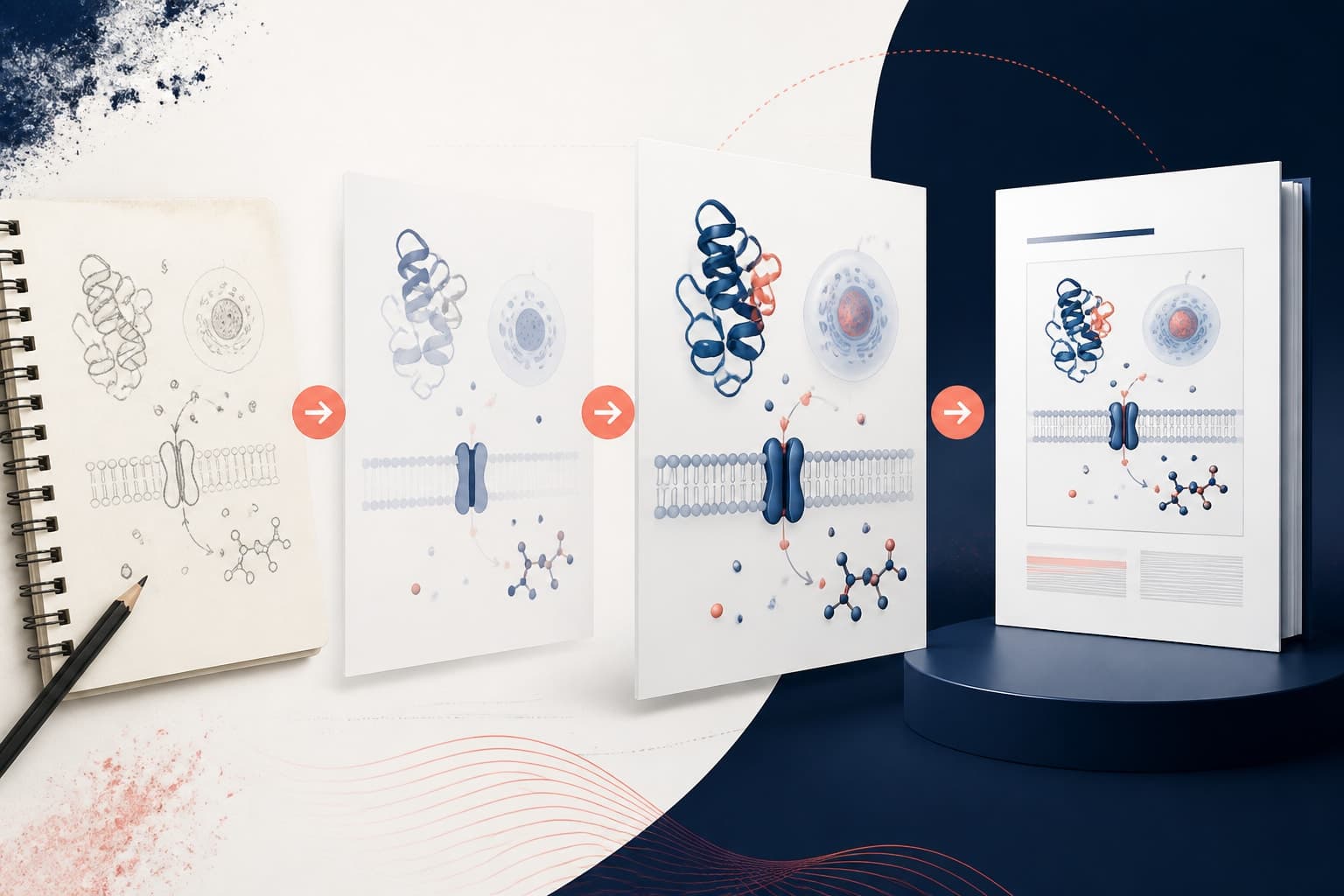
Here is a simple workflow you can adapt for your lab. First, write the human visual brief. Second, generate several AI-assisted layout ideas. Third, choose one concept and rebuild or edit it with accurate scientific content. Fourth, run policy and disclosure checks. Fifth, complete co-author and expert review. Sixth, export the final version using the journal's required size, format, and resolution.
Do not skip the rebuild step. Even if the AI output looks good, you should treat it as a draft. Replace generic icons with accurate ones. Shorten labels yourself. Adjust arrows, spacing, and emphasis. Remove decorative elements that compete with the main message.
It also helps to keep versions. Save an ideation version, a scientific review version, a policy review version, and the submitted version. This makes feedback easier and gives you a useful record if questions arise.
If your team uses a shared folder, add a short note beside the final figure. Include the tool name, date, prompt summary, review owner, and disclosure decision. This small habit prevents confusion later, especially when multiple manuscripts are moving at once.
Common mistakes to avoid
The first mistake is asking AI to make the conclusion more exciting. A graphical abstract should make the finding clearer, not stronger than the evidence allows. If your result is modest, the visual should be modest too.
The second mistake is using AI-generated images as if they were data. Do not show artificial microscopy, artificial gels, artificial plots, or artificial patient scans unless the image is clearly illustrative and allowed by policy. Readers must not confuse decoration with evidence.
The third mistake is ignoring co-author review. A beautiful figure can still be wrong. Send the draft to someone who understands the methods and someone who was not involved in the design. They will notice different problems.
The fourth mistake is hiding the process. If you used AI in a way the journal asks you to disclose, disclose it. If you are unsure, ask the editorial office. A short question before submission is much easier than a correction after publication.
The fifth mistake is treating AI as a shortcut around design thinking. Good visual communication still requires hierarchy, restraint, and revision. AI can speed up the first draft, but it cannot replace the careful choices that make a scientific figure trustworthy.
Final takeaways for researchers
An AI graphical abstract is most useful when you stay in control. Use it to explore ideas, simplify structure, and test visual approaches. Do not use it to invent mechanisms, imply stronger results, or bypass policy checks.
Write a clear brief, protect confidential information, check journal rules, document your process, disclose AI assistance when required, and review every visual claim against the manuscript. This workflow is not slow for the sake of caution. It saves time by preventing avoidable revisions, editor questions, and credibility problems.
Responsible AI use is not anti-innovation. It is how good researchers adopt new tools without weakening the standards that make research valuable. When you combine AI-assisted design with human expertise, your graphical abstract can be faster to produce, easier to understand, and still scientifically honest.
Frequently Asked Questions
Can I use an AI graphical abstract in a journal submission?
Often yes, but you must check the journal's current author guidelines before submission. Some journals allow AI-assisted design with disclosure, while others restrict generated images. You remain responsible for the accuracy, originality, and permissions of the final figure.
What should I disclose if AI helped create my graphical abstract?
State the tool name, the type of assistance, and the fact that authors reviewed and verified the scientific content. For example, you might disclose that AI was used for layout ideation and label refinement. Keep the statement specific rather than saying only that AI was used.
How do I prevent AI from adding inaccurate science?
Start with a human-written brief that defines the defensible message and lists what should not be shown. Review every arrow, icon, label, and visual claim against your manuscript and data. Ask a domain expert or co-author to review the final design before export.
Written by
Shobajo AbdulAzeez
Tags
Share this article